
Are you looking for the best AI coding tools and plugins for WordPress? If you are, keep reading this article.
AI is rapidly transforming how developers and site owners build and manage WordPress websites. From smart code generation to advanced automation, the right AI tool can streamline your workflow and improve productivity.
Today, many WordPress AI plugins and AI website builders make website creation faster, more efficient, and accessible even for beginners. These AI-powered tools can assist with coding, content creation, and design inside your WordPress environment.
In this guide, we will help you discover the best AI coding tools and plugins for WordPress, so you can choose the right solution to enhance your development workflow and build better websites.
First, we will see what AI coding tools are and why you need them.
Table of contents
What Are AI Coding Tools and Why You Should Use Them
AI coding tools are powered by artificial intelligence and help developers generate, edit, and optimize WordPress code using simple prompts or natural language.
In a WordPress environment, these tools serve as AI coding assistants that automate tasks such as code generation, debugging, and even content creation.
Many WordPress AI plugins and AI website builders for WordPress integrate directly into your workflow, making website development faster and more efficient.
Using an AI tool helps streamline your workflow by reducing manual effort and improving productivity. You can generate code, customize a WordPress plugin or theme, and automate repetitive tasks.
This makes AI-powered tools valuable for both beginners and experienced developers working within the WordPress ecosystem.
What to Look for in AI Coding Tools and Plugins for WordPress
Choosing the right AI tool for your WordPress site depends on features that improve your workflow, code quality, and overall website development experience.
- Compatibility with WordPress environment: Ensure the AI tool or plugin works smoothly with your WordPress site, themes, and plugins without causing conflicts.
- Code generation and AI features: Look for tools that provide accurate code generation, support WordPress coding standards, and offer reliable AI assistance for development tasks.
- Integration with builders and editors: The best WordPress AI tools should integrate with popular tools like Elementor, Divi AI, the block editor, or a code editor for seamless use.
- Ease of use and workflow optimization: Choose AI-driven tools with a simple interface that help automate tasks, improve productivity, and streamline your development workflow.
- Pricing and free options: Check for a free version, free plan, or free trial so you can test the AI functionality before upgrading to premium features.
7 Best AI Coding Tools and Plugins for WordPress
| Plugin / Tool | Best For | Pros | Cons | Our Rating |
|---|---|---|---|---|
| ChatGPT | General AI coding and WordPress assistance | Versatile, strong code generation, supports multiple use cases | Requires manual copy-paste into WordPress | 4.8/5 |
| Claude | Complex code logic and large projects | Excellent reasoning, handles large codebases well | Slower for simple tasks, no direct IDE integration | 4.7/5 |
| GitHub Copilot | Real-time coding inside an IDE | Fast autocomplete, integrates with major editors | Limited deep reasoning for complex logic | 4.6/5 |
| CrocoBuilder | AI-powered WordPress website building | AI-generated components, reusable elements, clean code, and visual control | Requires a WordPress site with CrocoBuilder installed | 4.7/5 |
| Cursor AI | Full AI-powered coding environment | Context-aware editing automates multi-file tasks | Can be slower and resource-heavy | 4.5/5 |
| Divi AI | AI website building inside Divi | Generates content, images, and code in the builder | Limited outside the Divi ecosystem | 4.6/5 |
| Elementor AI | AI design and content in Elementor | Built into Elementor, easy content generation | Requires Elementor, limited coding depth | 4.5/5 |
| AI Engine | Adding AI features inside the WordPress dashboard | Flexible AI integration supports multiple use cases | Setup can be slightly technical | 4.4/5 |
Let’s take a closer look at each option.
1. ChatGPT
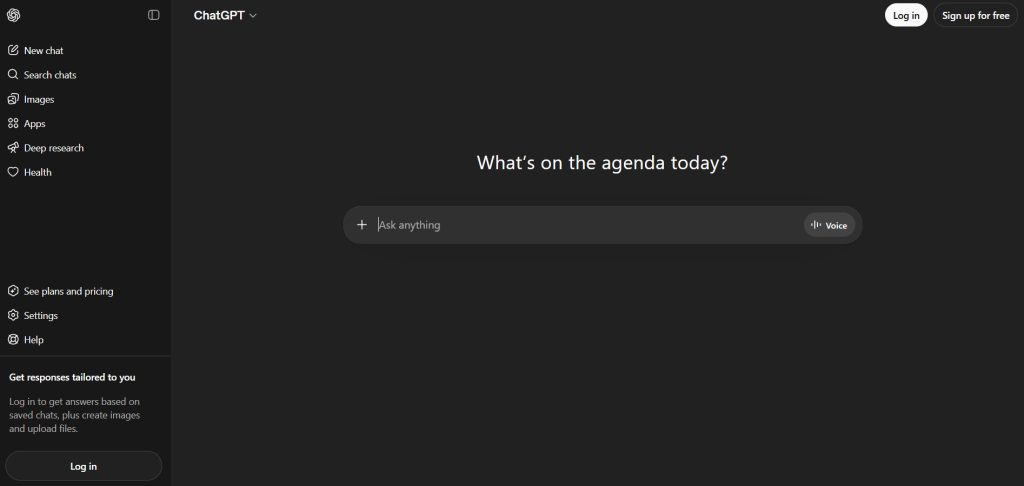
ChatGPT is one of the most widely used AI coding tools for WordPress development. It helps users generate WordPress code, debug issues, and automate repetitive tasks using simple natural language prompts.
From creating custom plugins to writing WooCommerce functions, ChatGPT can assist across multiple development scenarios. It also supports content creation, making it useful for both developers and site owners.
Since it works outside the WordPress dashboard, users can easily integrate the generated code into their workflow. Its flexibility and ease of use make it a reliable assistant for beginners and experienced developers working on WordPress sites.
Features
- Generate WordPress code using natural language prompts
- Assist with debugging and error fixing
- Create custom plugin and theme snippets
- Support for WooCommerce customization
- Helps with content creation and automation
Pros
- Highly versatile for multiple use cases
- Easy to use with simple prompt-based interaction
- Strong support for WordPress code generation
Cons
- Requires manual integration into WordPress
Pricing
Freemium: free version available; paid plans start at $20 per month.
2. Claude
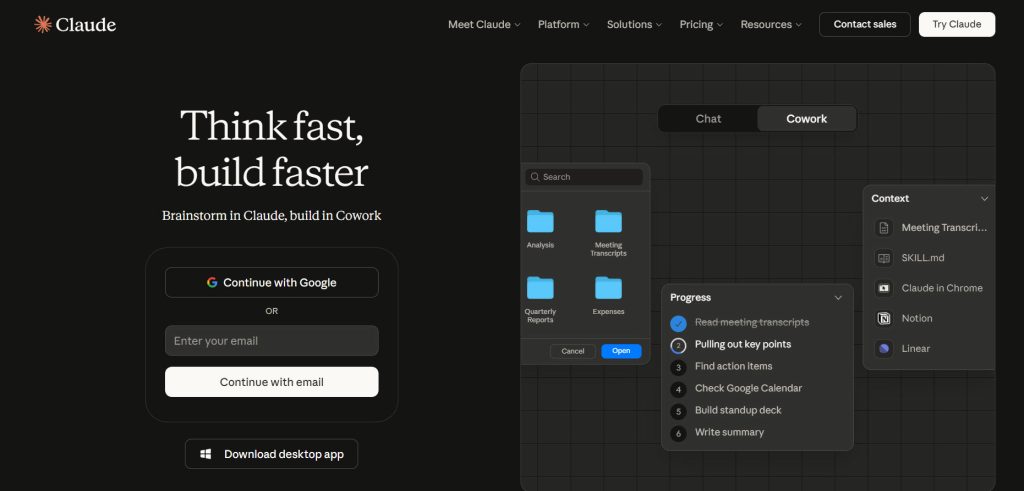
Claude is a powerful AI coding assistant designed to handle complex reasoning and large-scale code generation tasks. It is especially useful for WordPress development when working with extensive codebases, custom plugins, or advanced WooCommerce logic.
Claude can analyze long code snippets, suggest improvements, and help maintain clean coding standards. Its strength lies in understanding context across large inputs, making it ideal for debugging and refactoring WordPress code.
Like other AI tools, it works through prompts and can support both development and content-related tasks, making it a valuable assistant for developers who need deeper analysis and structured outputs.
Features
- Handles large WordPress code snippets effectively
- Advanced reasoning for complex coding tasks
- Assists with debugging and refactoring
- Supports plugin and theme customization
- Maintains structured and clean code outputs
Pros
- Excellent for complex and large codebases
- Strong reasoning and context understanding
- Produces well-structured code
Cons
- Slightly slower for simple tasks
Pricing
Freemium: free plan available; paid plans start at $20 per month.
3. GitHub Copilot
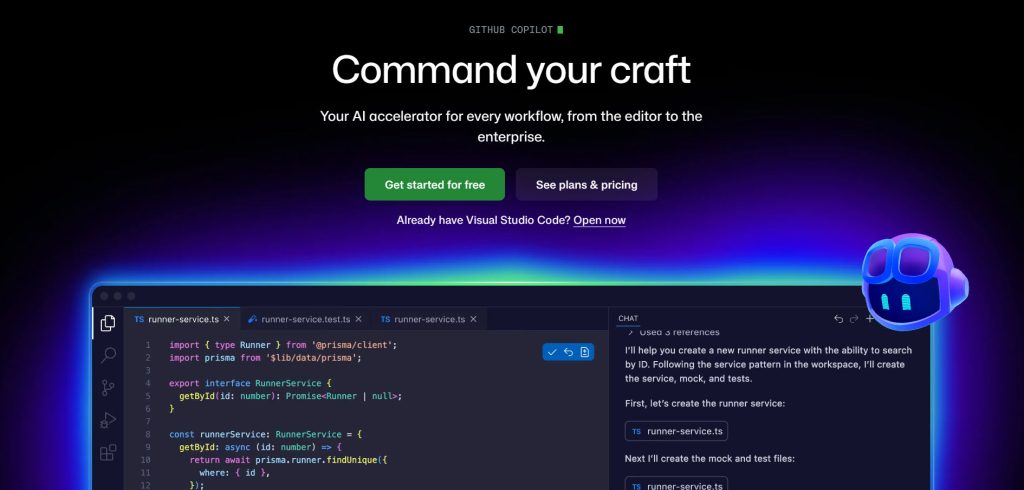
GitHub Copilot is a widely used AI coding assistant that integrates directly into popular code editors like Visual Studio Code. It helps developers write WordPress code faster by providing real-time suggestions, autocomplete, and code generation as you type.
For WordPress development, Copilot can assist with creating custom plugins, modifying themes, and writing WooCommerce functions efficiently. It learns from context within your code, making it useful for repetitive tasks and speeding up development workflows.
As an AI-driven tool, it enhances productivity while maintaining coding standards, making it a reliable option for developers working in a structured development environment.
Features
- Real-time code suggestions and autocomplete
- Integrates with popular code editors
- Supports WordPress plugin and theme development
- Assists with WooCommerce customization
- Improves coding speed and workflow efficiency
Pros
- Fast and efficient code generation
- Seamless integration with development tools
- Great for reducing repetitive coding tasks
Cons
- Limited deep reasoning for complex logic
Pricing
Freemium. Pricing starts at $10 per month for individual users.
4. CrocoBuilder
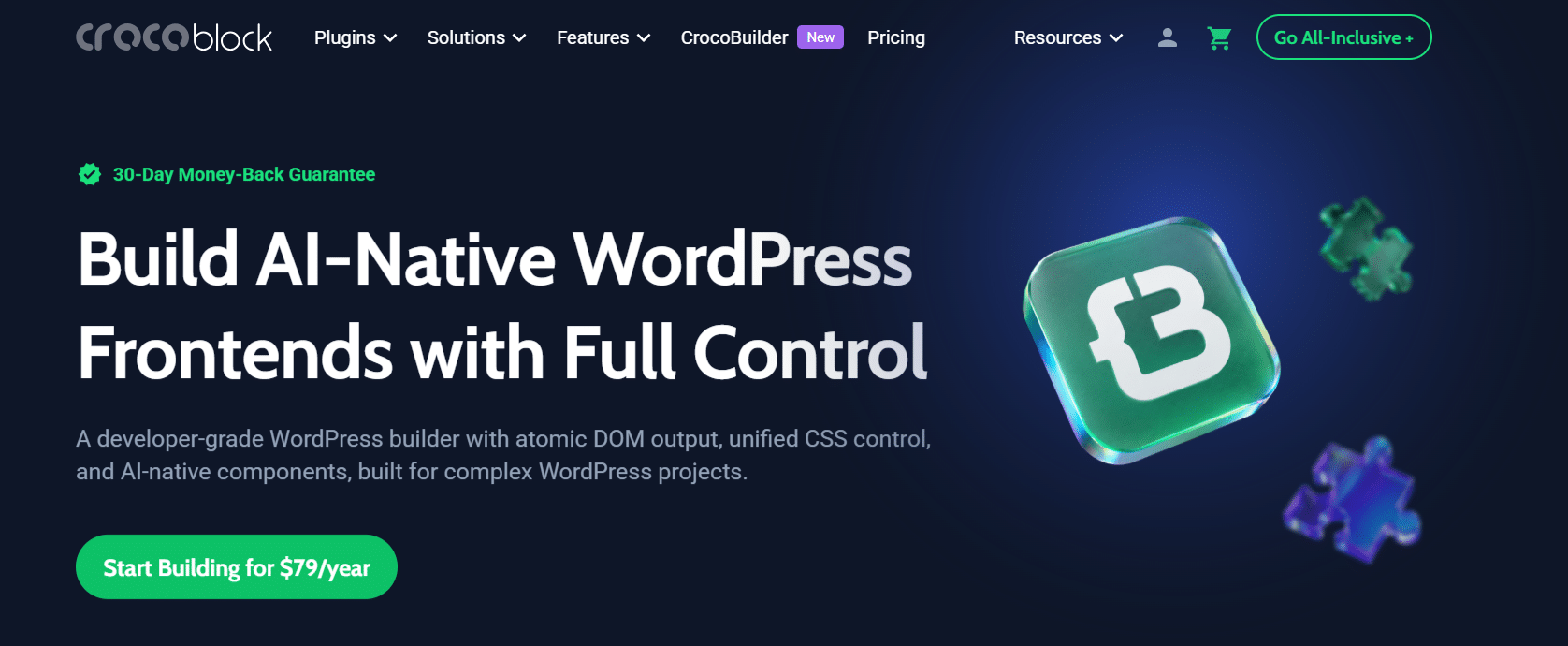
CrocoBuilder is an AI-native frontend builder for WordPress designed for developers, agencies, and creators who want to build websites faster without giving up control over the underlying code.
It combines AI-assisted website building with a structured frontend workflow, allowing users to generate pages and components with AI while keeping the output predictable, reusable, and maintainable. Unlike AI tools that generate code requiring manual copy-paste into WordPress, CrocoBuilder works directly within the WordPress environment and keeps AI-generated components editable through both visual controls and code.
It provides Atomic DOM output, unified CSS controls, reusable components, dynamic content tools, and theme templates. Developers can also connect external AI agents such as Claude, Cursor, Gemini, and GitHub Copilot through MCP to work with WordPress and CrocoBuilder.
Features
- AI-powered page and component generation
- AI Component Builder with HTML, CSS, and JavaScript
- Atomic DOM output for predictable, clean markup
- Unified CSS controls and CSS Sync
- Reusable components with customizable properties and slots
- Loop Builder, Query Builder, and Theme Builder
- Support for dynamic content and conditional logic
- MCP integration with AI agents such as Claude and Cursor
- Global styles, CSS variables, and custom breakpoints
- Full access to and control over generated code
Pros
- Combines AI-assisted building with full frontend control
- Produces predictable and reusable frontend output
- AI-generated components remain editable and maintainable
- Supports real developer workflows with HTML, CSS, and JavaScript
- Designed for complex WordPress projects and agency workflows
Cons
- Focused specifically on WordPress
- Some advanced integrations are still in development
Pricing
Premium option. Plans start at $79 per year for 1 site. A 30-day money-back guarantee is available.
5. Cursor AI

Cursor is an advanced AI-powered code editor designed to streamline development workflows with intelligent code generation and editing capabilities.
It is especially useful for WordPress development, allowing users to write, edit, and refactor WordPress code more efficiently across multiple files. Cursor understands project context, making it ideal for building custom plugins, modifying themes, and handling complex coding tasks.
Unlike traditional editors, it serves as a real-time AI coding assistant that automates repetitive tasks and improves productivity. For developers working in a modern development environment, Cursor provides a faster and more efficient way to manage WordPress code.
Features
- Context-aware code generation across multiple files
- Built-in AI chat for coding assistance
- Real-time code editing and refactoring
- Supports multiple programming languages, including PHP and JavaScript
- Improves development workflow with automation
Pros
- Strong context awareness for large projects
- Speeds up the coding and debugging process
- Works as a complete AI-powered code editor
Cons
- Can be resource-intensive on lower-end systems
Pricing
Freemium with a free tier; paid plans start at $20 per month.
6. Divi AI
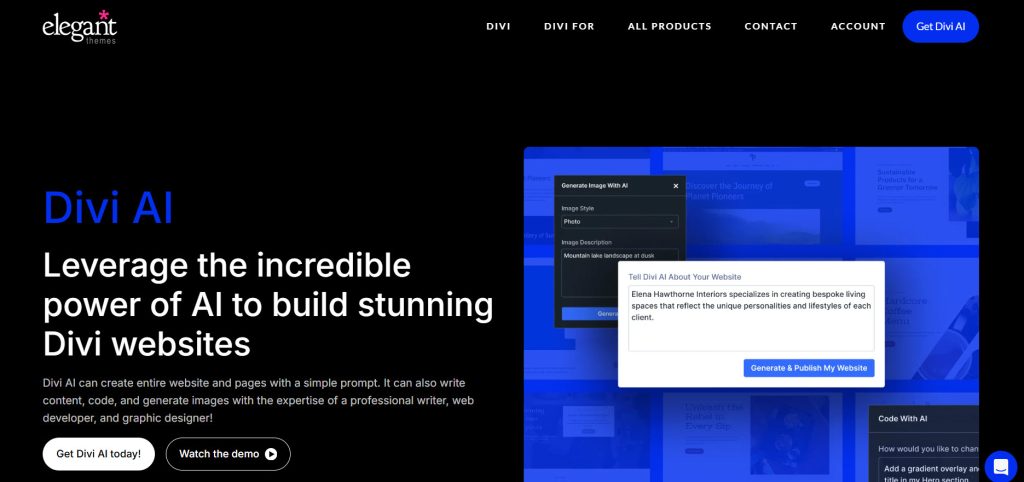
Divi AI is a powerful AI builder integrated directly into the Divi visual builder, making it one of the best AI website builders for WordPress.
It allows users to generate layouts, content, images, and even code within the same interface, streamlining the entire website creation process. As part of the growing category of WordPress AI website builders, Divi AI serves as an assistant for WordPress users, simplifying design and development tasks.
It leverages AI to automate content generation and improve web design efficiency, making it ideal for beginners and professionals seeking the best AI-powered WordPress website-building experience.
Features
- AI-powered content and code generator inside the Divi visual builder
- Generate full page layouts and design elements instantly
- Create images and text using AI prompts
- Seamless integration with the Divi theme and builder
- Helps automate web design and content creation
Pros
- Fully integrated AI builder inside WordPress
- Simplifies website creation and design workflow
- Great for non-technical users and designers
Cons
- Works only within the Divi ecosystem
Pricing
Premium option. It starts from $16.08 per month (billed annually).
7. Elementor AI

Elementor AI is an AI-powered tool built directly into the Elementor page builder, designed to simplify WordPress website creation and content generation.
It helps users generate text, custom code, and layouts using simple prompts, making it a valuable assistant for WordPress users. As part of modern WordPress AI website builders, Elementor AI enhances the design process inside a visual builder environment.
It is especially useful for creating landing pages, improving web design, and speeding up content workflows. With its seamless integration, users can leverage AI-driven features without leaving the Elementor interface, making development faster and more efficient. This really deserves a spot in the best AI coding tools and plugins for WordPress topic.
Features
- Generate content and code inside Elementor builder
- AI-powered text, layout, and design suggestions
- Works within the Elementor visual builder interface
- Helps automate website creation tasks
- Supports faster design and content workflows
Pros
- Fully integrated with Elementor page builder
- Simplifies content creation and design process
- Easy to use for beginners and designers
Cons
- Requires Elementor to use
Pricing
It is a premium feature, and the subscription starts at $4 a month.
8. OptimizeCamp
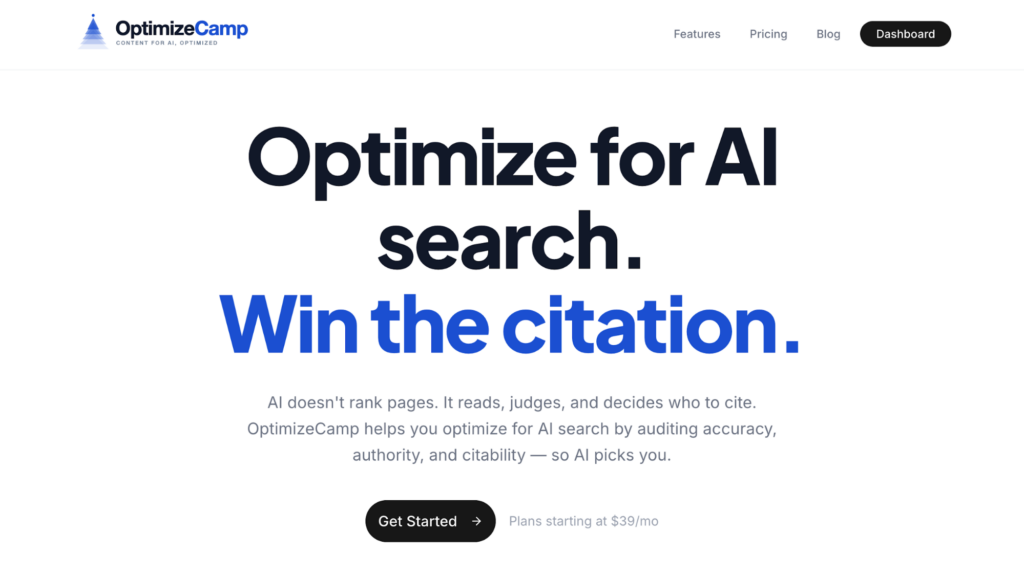
OptimizeCamp is an AI visibility tracker and optimizer built for WordPress site owners who want to know how their brand is showing up in AI-powered search results.
As AI tools like ChatGPT, Perplexity, and Google AI Overviews become primary discovery channels, visibility in these platforms is becoming just as important as traditional SEO. OptimizeCamp helps you monitor how often your brand is mentioned across major AI models, track your visibility trends over time, and understand where you stand compared to competitors.
With a dedicated WordPress integration, you can easily optimize your WordPress blog posts for AI search.
Features
- Track brand mentions across AI search engines and models
- Monitor AI visibility trends over time
- WordPress integration for a seamless workflow
- Identify visibility gaps and opportunities
- Foundation for AI-powered optimization recommendations
Pros
- Purpose-built for the growing AI search landscape
- Practical for WordPress site owners and marketers alike
- Easy to connect with your existing WordPress site
Cons
- Optimization features are still being rolled out
Pricing
Visit OptimizeCamp.com for current pricing details.
9. AI Engine
AI Engine is a flexible WordPress AI plugin that brings artificial intelligence directly into your WordPress dashboard. It allows users to integrate AI features like content generation, chatbot creation, and automation without leaving their WordPress site.
As one of the growing WordPress AI plugins, it effectively enhances content creation, improves user interaction, and extends website functionality.
AI Engine supports multiple use cases, from building an AI assistant for WordPress to integrating AI-powered tools into your workflow. It is suitable for both developers and site owners looking to add AI-driven features within their WordPress environment.
Features
- Add AI chatbot functionality to your WordPress site
- Generate content directly inside the WordPress dashboard
- Integrates with multiple AI models
- Supports automation and custom AI features
- Works with various WordPress plugins and themes
Pros
- Adds AI features directly inside WordPress
- Flexible for multiple use cases
- Useful for content and automation tasks
Cons
- The setup can be slightly technical for beginners
Pricing
Freemium: free version available; premium plans start at $59 per year.
Best Practices for Using AI Coding Tools and Plugins for WordPress
Using AI coding tools effectively in WordPress requires a balanced approach that combines automation with proper review and optimization.
- Always review generated code: Even the best AI tool can make mistakes, so carefully check all WordPress code before using it on your site.
- Test in a safe environment: Use a staging site or managed WordPress hosting setup to test AI-generated changes before deploying them live.
- Follow WordPress coding standards: Ensure that any generated code works well with your WordPress plugin and theme to avoid compatibility issues.
- Use AI for specific tasks: Focus on use cases such as code generation, content creation, or web design rather than relying fully on automation.
- Optimize performance and security: Review AI-generated outputs to ensure they are efficient, secure, and aligned with your overall website workflow.
Here are some other articles you should check:
- 7 WooCommerce Discount Strategies That Actually Increase Average Order Value
- How to Get More (and Better) Product Reviews on Your WooCommerce Store
- How to Add a Request a Quote Button to Your WooCommerce Store
- What’s New in YayExtra 2.1.0
- Yay Wholesale vs Wholesale Suite: Which WooCommerce B2B Plugin Fits Your Store?
Frequently Asked Questions
Now, let’s look at some frequently asked questions and answers about this topic.
AI coding tools are software powered by artificial intelligence that help generate, edit, and optimize WordPress code. These tools assist with tasks like code generation, debugging, and content creation, making WordPress development faster and more efficient.
Yes, many AI-powered WordPress website builders can help create a full website using templates and automated workflows. Tools like AI-powered builders and platforms like 10Web AI can generate layouts, content, and designs, making website building easier, even for beginners.
Yes, AI tools are helpful for beginners as they simplify complex coding tasks. With features like natural language prompts and visual builder integrations, users can generate WordPress code and design elements without advanced technical knowledge.
The best AI tool depends on your use case. Some tools focus on code generation, while others work as AI website builders or page builder integrations. Choosing the right AI tool depends on your workflow, development environment, and website needs.
Yes, many WordPress AI plugins can integrate with WooCommerce. They can help generate product descriptions, automate content creation, and improve the overall shopping experience using AI-powered features.
Most AI tools and plugins for WordPress can help customize both WordPress themes and plugins. They help generate code snippets, improve functionality, and streamline development tasks within your WordPress environment.
Yes, many AI tools offer a free tier or free plan with limited features. Some WordPress AI plugins also provide basic functionality for free, allowing users to explore AI features before upgrading to premium versions.
Conclusion
AI is transforming WordPress development, but the best results come from choosing tools that align with your specific needs and workflow.
For flexible coding and everyday assistance, ChatGPT and Claude are strong options for generating and refining WordPress code. Developers working in a code editor can benefit from GitHub Copilot and Cursor to speed up and improve efficiency.
For design and website building, Divi AI and Elementor AI simplify content creation and layout design. If you want to extend functionality, AI Engine helps add AI features directly inside WordPress.
We hope you found this article helpful and enjoyed reading it. If you need to learn more WooCommerce tips and tricks, check out the YayCommerce blog. Also, feel free to check out our social media handles, such as Facebook, X, Instagram, and YouTube, for more interesting content.
Which tools will you use?
Let us know in the comments.

