
Are you looking for the best WordPress quiz plugins? In this article, we are going to show you the top 7 WordPress quiz plugins that you should try.
Quizzes are one of the most effective ways to increase user engagement, generate leads, and make your content more interactive on a WordPress website. A well-designed quiz can keep visitors on your site longer, collect valuable customer insights, and even help boost conversions.
With so many options available, choosing the right quiz plugin can be challenging. Some plugins are simple and lightweight, while others offer advanced logic, beautiful designs, and powerful marketing tools.
In this comprehensive guide, we tested and compared 7 of the best WordPress quiz plugins. We evaluated them based on ease of use, features, performance, pricing, and real results to help you find the one that best fits your needs.
We also reveal our clear #1 winner after hands-on testing.
First, let’s see what WordPress quiz plugins are.
Table of contents
What Are WordPress Quiz Plugins
WordPress quiz plugins are specialized tools that let you create and publish interactive quizzes on your website without writing any code. These plugins allow you to build various types of quizzes, including multiple-choice, true/false, personality tests, scored assessments, and polls.
You can use them for lead generation, user engagement, online courses, product recommendations, employee training, or simply to make your content more fun and interactive.
A typical WordPress quiz plugin includes features such as customizable designs, answer explanations, result pages, lead capture forms, analytics, and integrations with email marketing services.
They have become very popular among bloggers, marketers, course creators, and business owners because quizzes help increase time on site, collect valuable visitor data, and significantly improve user engagement.
What to Look for In WordPress Quiz Plugins
Choosing the right quiz plugin can make a big difference in the effectiveness of your quizzes and how easy they are to manage.
- Ease of Use: The interface should be simple and beginner-friendly so you can create and publish quizzes quickly.
- Quiz Types: Support for multiple formats like multiple choice, personality tests, scored quizzes, polls, and logic-based questions.
- Mobile Responsiveness: Quizzes must look good and function smoothly on smartphones and tablets.
- Lead Generation Features: Built-in options to capture emails, integrate with marketing tools, and show results after completion.
- Design Customization: Ability to change colors, fonts, layouts, and branding to match your website style.
- Analytics & Insights: Detailed reports on completion rates, user answers, and overall quiz performance.
Evaluating plugins based on these points will help you pick one that meets both your current and future needs.
7 Best WordPress Quiz Plugins You Should Know
| Plugin Name | Free Version | Pros | Cons | Best For |
|---|---|---|---|---|
| Quiz Maker by AYS | Yes | Very feature-rich, strong logic, good analytics | – | Advanced users, educators, detailed quizzes |
| QuizPress | Yes | Quizzes, exams, surveys, polls, certificates, detailed results, lead capture | Advanced features may require Pro | Educators, course creators, marketers, interactive quizzes & assessments |
| Quiz Maker, Poll Maker & Survey Maker by Opinion Stage | Yes (Limited) | Beautiful designs, excellent lead generation, social sharing | Expensive Pro plan, limited free responses | Marketers, bloggers, viral content |
| Quiz and Survey Master (QSM) | Yes (Good) | Powerful logic, detailed reporting, flexible | Steep learning curve, dated interface | Course creators, advanced assessments |
| Quiz Cat | Yes | Simple, clean design, beginner friendly | Limited advanced features, basic reporting | Beginners, lead generation, simple quizzes |
| HD Quiz | Yes (Generous) | Lightweight, fast, easy to use | Limited logic in free version | Performance-focused sites, simple & fast quizzes |
| Fluent Forms | Yes (Good) | All-in-one form + quiz builder, strong integrations | Quiz module is secondary, complex for simple needs | Users who need forms + quizzes |
| Formidable Forms | Yes (Limited) | Extremely powerful, advanced customization | Expensive, steep learning curve | Developers, complex quizzes & assessments |
1. Quiz Maker by AYS
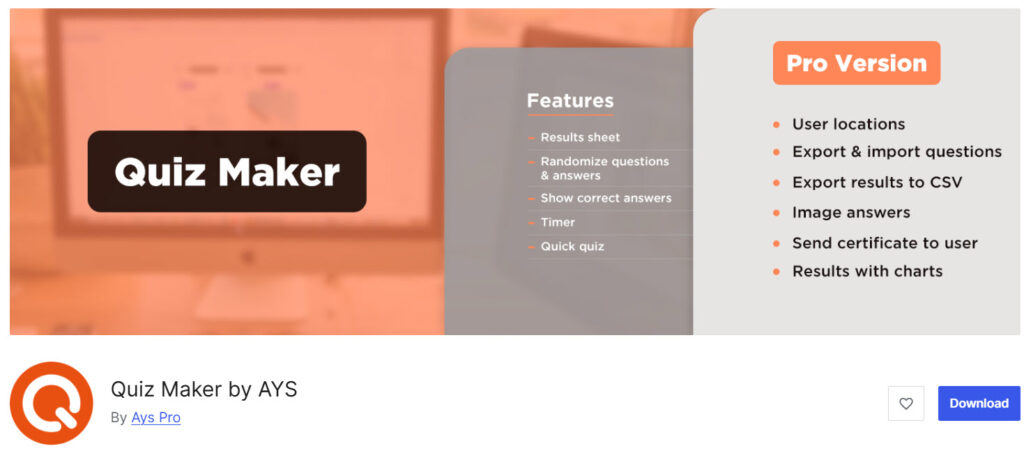
Quiz Maker by AYS is one of the most powerful and feature-rich WordPress quiz plugins available. It stands out with its extensive customization options, advanced question logic, detailed analytics, and support for multiple quiz types.
What makes it unique is the perfect balance between simplicity for beginners and deep functionality for power users. It is an excellent choice for bloggers, educators, marketers, and course creators who want to create engaging quizzes for lead generation, knowledge testing, or fun interaction.
Features
- 20+ professional quiz types including multiple choice, true/false, personality, and assessment quizzes
- Advanced conditional logic and branching questions
- Detailed analytics and reporting dashboard
- Beautiful templates and full customization options
- Lead generation with email integration and result-based offers
Pros and Cons
| Pros | Cons |
|---|---|
| Extremely feature-rich | Can feel overwhelming for absolute beginners |
| Excellent analytics and reporting | Some advanced features are Pro only |
| Strong customization and design options | Interface can be a bit cluttered |
| Good for both simple and complex quizzes | |
| Regular updates and improvements |
Pricing
Quiz Maker by AYS is a freemium plugin. The lite version can be downloaded from the WordPress plugin repository. The Pro version starts at $49 (one-time fee).
3. QuizPress
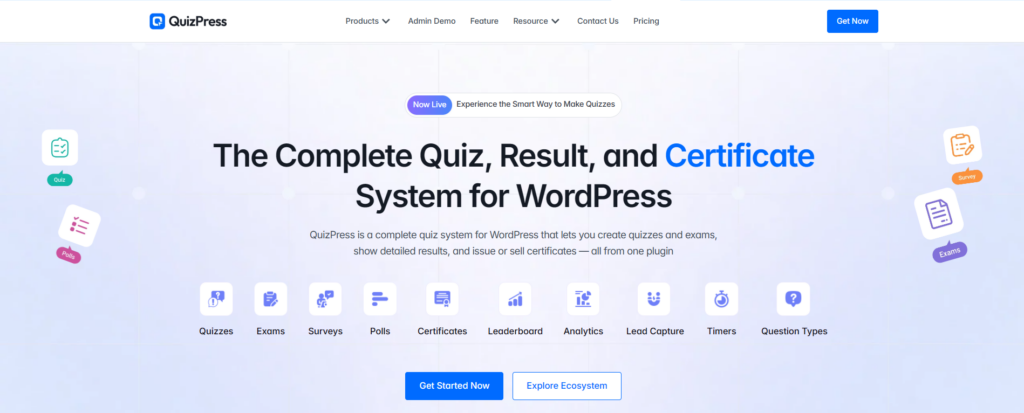
QuizPress is a complete WordPress quiz plugin that lets you create engaging quizzes, surveys, polls, exams, and personality tests without writing any code. It goes beyond basic quiz creation by providing detailed results and certificate functionality, making it suitable for educators, course creators, marketers, bloggers, and businesses.
What makes QuizPress stand out is its all-in-one approach. Instead of using separate tools for quizzes, assessments, surveys, and certificates, you can manage these interactive experiences directly inside your WordPress website.
Features
- Create quizzes, surveys, polls, exams, and personality tests
- Build engaging knowledge tests and assessments without coding
- Detailed quiz results and result-based experiences
- Certificate creation and issuing capabilities
- Support for lead-generation quizzes and interactive content
- Flexible quiz formats for education, marketing, and engagement
- WordPress-native quiz management
- Suitable for online courses, exams, surveys, and personality assessments
Pros and Cons
| Pros | Cons |
| Supports multiple quiz and assessment formats | Advanced functionality may require the Pro version |
| Includes quizzes, surveys, polls, and exams in one plugin | May offer more features than needed for very simple quizzes |
| Built-in certificate functionality | Users looking only for basic quizzes may prefer a lightweight plugin |
| Useful for both education and marketing | |
| No coding required |
Pricing
QuizPress starts at $79 for lifetime Access with 3 site licenses, including all add-ons and features, yearly updates, support, and installation service.
3. Quiz Maker, Poll Maker & Survey Maker by Opinion Stage
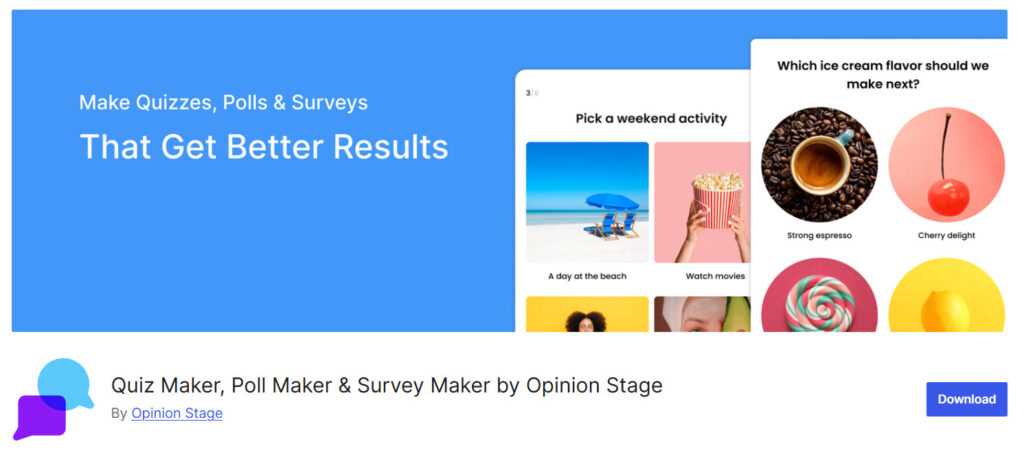
Quiz Maker, Poll Maker & Survey Maker by Opinion Stage is a comprehensive and visually appealing plugin that lets you create quizzes, polls, and surveys with ease. It stands out for its modern design, robust social sharing features, and powerful lead-generation tools.
The plugin is especially popular among bloggers, content marketers, and businesses looking to boost user engagement and grow their email lists through interactive content. Its clean interface and viral-friendly features make it a favorite for creating shareable quizzes.
Features
- Beautiful templates for quizzes, polls, and surveys
- Advanced lead capture and email marketing integrations
- Real-time results and live voting
- Powerful social sharing tools to increase reach
- Detailed analytics and performance tracking
Pros and Cons
| Pros | Cons |
|---|---|
| Attractive and modern quiz designs | Free version has limited responses |
| Excellent for lead generation | Premium pricing is relatively high |
| Strong social sharing capabilities | Can become expensive for heavy usage |
| Easy to use and embed anywhere | |
| Good analytics dashboard |
Pricing
Quiz Maker, Poll Maker & Survey Maker by Opinion Stage is a freemium plugin. The Pro version starts at $32 per month.
4. Quiz and Survey Master (QSM)
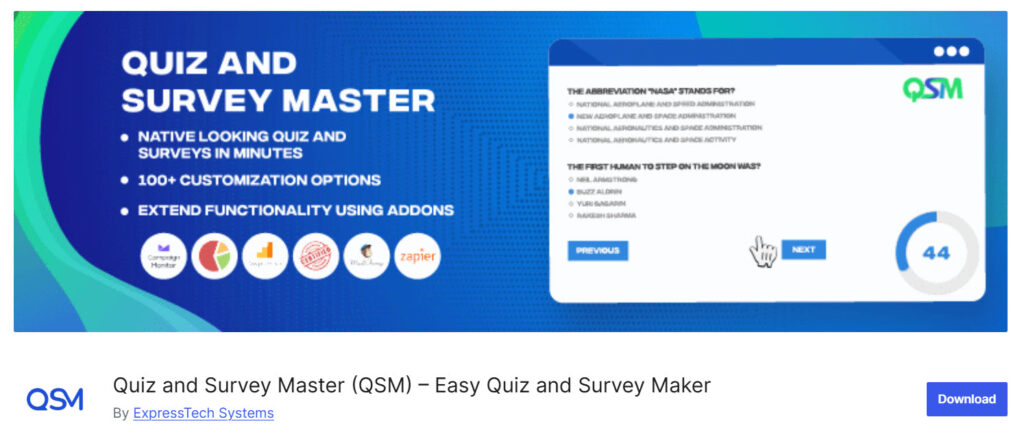
Quiz and Survey Master (QSM) is a flexible and feature-rich WordPress plugin for creating quizzes, surveys, and assessments. It is popular among educators, course creators, marketers, and business owners who need advanced functionality.
The plugin stands out for its powerful conditional logic, detailed reporting system, and high level of customization. It is especially suitable for those who want to create complex, professional-grade quizzes and surveys with strong data collection capabilities.
Features
- Advanced conditional logic and branching questions
- Wide variety of question types and layouts
- Comprehensive reporting and analytics dashboard
- Email notifications and lead generation tools
- Customizable design and result pages
Pros and Cons
| Pros | Cons |
|---|---|
| Highly flexible and powerful logic | Steeper learning curve for beginners |
| Excellent detailed analytics | Interface feels dated |
| Strong customization options | More expensive than many alternatives |
| Good for educational and professional use | Can be overwhelming for simple needs |
| Regular updates |
Pricing
Quiz and Survey Master (QSM) is a freemium plugin. The Pro version starts at $149 per year.
5. Quiz Cat
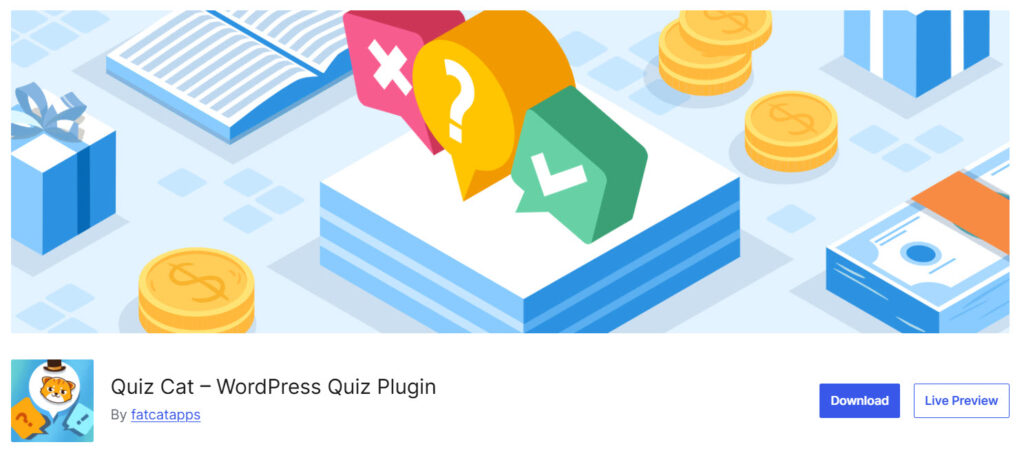
Quiz Cat is a clean, fast, and conversion-focused WordPress quiz plugin developed by Fatcat Apps. It is designed for marketers, bloggers, and business owners who want to create beautiful quizzes quickly without complexity. What makes Quiz Cat unique is its emphasis on simplicity, modern design, and strong lead generation capabilities.
It allows you to create engaging quizzes that look professional and help capture emails effectively. The plugin is particularly loved for its speed, lightweight performance, and user-friendly interface, making it an excellent choice for those who want results without a steep learning curve.
Features
- Beautiful and modern quiz templates
- Easy lead capture with email integration
- Simple drag-and-drop quiz builder
- Mobile-responsive quiz design
- Basic analytics and result tracking
Pros and Cons
| Pros | Cons |
|---|---|
| Very easy to use and beginner-friendly | Limited advanced quiz logic |
| Clean and attractive designs | Fewer quiz types compared to competitors |
| Lightweight and fast performance | Some key features locked in Pro version |
| Strong focus on lead generation | Basic reporting tools |
| Good support and regular updates |
Pricing
Quiz Cat is a freemium plugin. The Pro version starts at $69 per year.
6. HD Quiz

HD Quiz is a lightweight, fast, and user-friendly WordPress quiz plugin developed by Harmonic Design. It focuses on simplicity and performance while offering everything needed to create engaging quizzes quickly. What makes HD Quiz stand out is its clean design, excellent mobile experience, and generous free version.
It is ideal for bloggers, educators, and marketers who want beautiful quizzes without complexity or performance issues. The plugin automatically inherits your theme’s styling and remains very fast even with many quizzes on a site.
Features
- Unlimited quizzes, questions, and answers
- Scored quizzes and personality-type quizzes
- Mobile-friendly and fully responsive design
- Social sharing options for quiz results
- Image support for questions and answers
Pros and Cons
| Pros | Cons |
|---|---|
| Extremely lightweight and fast | Limited advanced logic in free version |
| Very easy to use and beginner friendly | Some useful features require paid add-ons |
| Beautiful and clean quiz design | Basic reporting tools |
| Good free version with core features | |
| Regular updates and active development |
Pricing
HD Quiz is a free WordPress plugin.
7. Fluent Forms
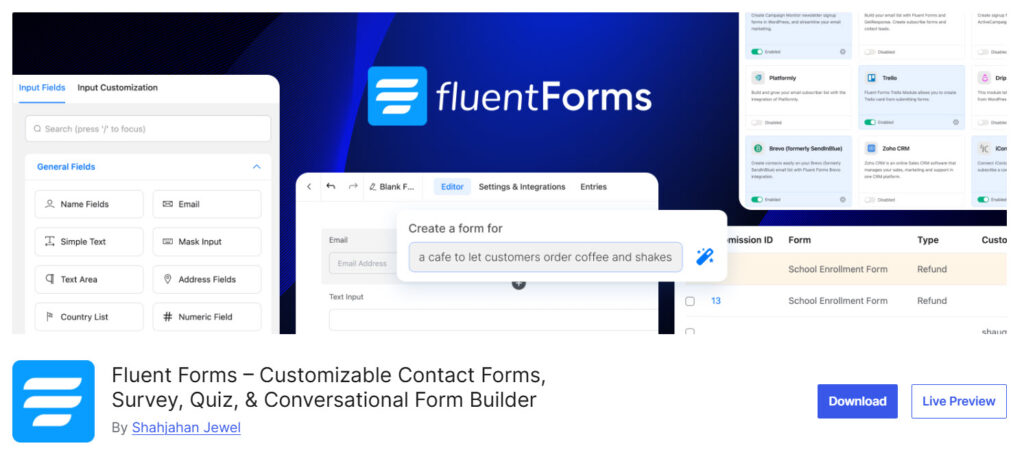
Fluent Forms is a powerful drag-and-drop form builder for WordPress that also includes a robust quiz and survey module. It stands out as a versatile all-in-one solution for users who want both advanced forms and interactive quizzes in a single plugin.
What makes Fluent Forms unique is its modern interface, conditional logic, and strong integration ecosystem.
The built-in quiz builder allows you to create scored quizzes, personality tests, and assessments with ease. It is especially popular among marketers, course creators, and businesses that need both forms and quizzes with lead generation capabilities.
Features
- Drag-and-drop quiz and form builder
- Advanced conditional logic for smart quizzes
- Multiple quiz types including scored and personality quizzes
- Powerful lead capture and email marketing integrations
- Detailed analytics and entry management
Pros and Cons
| Pros | Cons |
|---|---|
| All-in-one form and quiz builder | Quiz module is not as specialized |
| Excellent conditional logic | Can feel overwhelming for simple quizzes |
| Beautiful modern interface | Higher pricing for full features |
| Strong integrations with marketing tools | Learning curve for advanced features |
| Good performance and speed |
Pricing
There is a free version plugin you can download from the WordPress plugin repository. The premium version will cost you $63 a year.
8. Formidable Forms
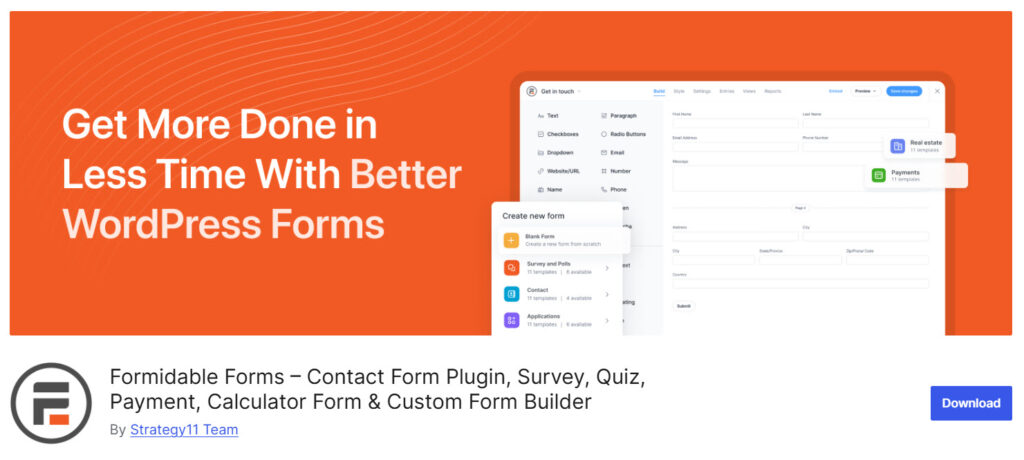
Formidable Forms is a highly advanced WordPress form builder that also includes a powerful quiz and survey builder. It is known for its extreme flexibility, advanced conditional logic, and developer-friendly features.
What makes Formidable Forms stand out is its ability to create highly customized, logic-heavy quizzes and assessments. It is a favorite among developers, agencies, and advanced users who need more control and customization than typical quiz plugins offer.
The plugin excels at building complex quizzes with calculations, scoring, conditional branching, and seamless data collection.
Features
- Advanced conditional logic and branching for smart quizzes
- Custom scoring and calculated results
- Drag and drop form and quiz builder
- Powerful data reporting and analytics
- Extensive integrations with email, CRM, and payment tools
Pros and Cons
| Pros | Cons |
|---|---|
| Extremely powerful and flexible | Steep learning curve for beginners |
| Excellent conditional logic | More expensive than dedicated quiz plugins |
| Strong data collection and reporting | Can be overkill for simple quizzes |
| Great for complex quizzes and assessments | Interface feels technical |
| High level of customization |
Pricing
Formidable Forms is a freemium plugin. The Pro version starts at $39.50 per year.
Pro Tips to Create High-Converting Quizzes
Creating a quiz is simple, but building one that drives real results requires smart strategy. Here are proven tips to create high-converting quizzes:
- Keep It Short and Focused: Aim for 8 to 12 questions. Longer quizzes often lead to higher drop-off rates.
- Write a Compelling Title: Use benefit-driven or curiosity-based titles like “What Type of [Niche] Are You?” or “Discover Your Perfect [Product] in 60 Seconds”.
- Use High-Quality Visuals: Add relevant images or GIFs to questions and results to increase engagement and time on page.
- Capture Leads at the Right Time: Show the email sign-up form after the quiz is completed, not at the beginning.
- Personalize the Results: Make result pages feel unique with tailored recommendations, tips, or special offers based on answers.
- Add a Clear Call-to-Action: Every result page should include a strong next step, such as a discount code, a free resource, or a product recommendation.
Implementing these tips will help you turn simple quizzes into powerful marketing assets.
Common Mistakes to Avoid
Creating a WordPress quiz is easy, but many site owners make these mistakes that reduce engagement and results:
- Making the Quiz Too Lon: Quizzes with more than 12-15 questions usually see high drop-off rates. Keep them short and engaging.
- Using Weak or Boring Titles: Generic titles like “Take Our Quiz” perform poorly. Always use curiosity-driven or benefit-focused titles.
- Asking for Email Too Early: Requesting an email address before the quiz starts frustrates users and lowers completion rates.
- Ignoring Mobile Users: Not testing your quiz properly on mobile devices results in a poor experience for most visitors.
- Creating Generic Results: Vague results, such as “You scored 70%,” don’t convert well. Make results personalized and useful.
- Forgetting a Strong Call to Action: Failing to include a clear next step (offer, discount, or lead magnet) after the result wastes conversion opportunities.
Avoiding these mistakes will help you create quizzes that actually deliver strong engagement and conversions.
Frequently Asked Questions
Now, let’s take a look at some frequently asked questions and answers on this topic.
Quiz Maker by AYS is the best overall WordPress quiz plugin for most users. It offers an excellent balance of powerful features, customization options, analytics, and value for money.
Free versions such as HD Quiz and Quiz Cat work well for basic quizzes. However, if you need advanced logic, better design tools, or lead generation features, upgrading to a premium plugin is usually worth it.
Quiz Cat and HD Quiz are the most beginner-friendly. They feature simple interfaces and allow you to create attractive quizzes with minimal effort.
Opinion Stage performs strongly for lead generation thanks to its social sharing tools and effective email capture options.
Yes. Most plugins on this list, including Quiz Maker by AYS, Formidable Forms, and QSM, support personality quizzes with branching logic and custom outcomes.
Lightweight plugins like HD Quiz and Quiz Cat have almost no impact on speed. More advanced plugins may add slight load depending on how many features you enable.
Quiz and Survey Master (QSM) and Formidable Forms are excellent for educational quizzes and exams due to their advanced scoring and conditional logic.
Yes. All the plugins in this comparison support shortcodes and Gutenberg blocks, making it simple to embed quizzes anywhere on your site.
Formidable Forms and Quiz Maker by AYS provide the most detailed analytics and reporting tools.
Yes. All seven plugins are fully responsive and work smoothly on mobile devices, which is important since many users take quizzes on their phones.
Conclusion
After testing and comparing 7 popular WordPress quiz plugins, one thing is clear: the best plugin depends on your goals, budget, and technical comfort level.
Quiz Maker by AYS emerges as the overall winner for most users. It offers the best combination of powerful features, customization options, analytics, and value for money. Whether you want simple engagement quizzes or advanced assessments, it delivers excellent results without unnecessary complexity.
If you are just starting out, HD Quiz or Quiz Cat are great lightweight choices.
For users who need both forms and quizzes, Fluent Forms is a solid option. Advanced users and developers will appreciate the depth of Formidable Forms and Quiz and Survey Master. Quizzes remain one of the most effective ways to increase user engagement, generate leads, and make your content more interactive.
Pick the plugin that best matches your needs, install it, and start creating your first quiz today.
The results will likely surprise you.
We hope you found this article helpful and enjoyed reading it. If you need to learn more WooCommerce tips and tricks, check out the YayCommerce blog. Also, feel free to check out our social media handles, such as Facebook, X, Instagram, and YouTube, for more interesting content.