

Everything you do in your day-to-day activities needs proper planning and arrangements to run smoothly without any hitches. These range from scheduling a doctor’s appointment to making a reservation at a particular restaurant.
If you have a business built on the WordPress platform, several WooCommerce booking calendar plugins are available to help make things much more manageable. If your WooCommerce site requires scheduling client and customer appointments regularly, you must find one that suits your needs.
Time has passed, and new ways of doing things get invented every waking hour. Online booking tools have been developed to help streamline the process.
This article outlines some of the best WordPress booking calendar plugins you can use on your WooCommerce site. You can decide which one to go for depending on its functionalities while considering ease of use and flexibility.
Of course, the price issue also has to be considered at some point, but the main goal is to ensure that the plugin you choose will serve you as effectively as possible.
Let’s get started.
Table of contents
What to look for in WordPress calendar booking plugins for your WooCommerce website?
Most people may have the initial notion that a calendar booking tool is just a simple plugin with a form, but the reality is quite different. The booking plugin you choose will always depend on the type of business you have or run. In this case, we are talking about businesses run on WooCommerce sites.
For this reason, you must evaluate each calendar booking plugin carefully to understand what it offers and how it works in full. Doing all this will ensure you have exactly what you need with the functionalities you desire for your business.
Some of the features that are of great assistance when considering calendar booking plugins include:
- A mobile-friendly interface for users to make bookings remotely from their devices
- An easily customizable calendar that can be positioned anywhere on your site.
- Features that allow customizing your schedule or duty roster
- Features that will enable customers to view and edit their calendar bookings online
- Availing options that accept booking payments from customers.
- Email booking confirmations and reminders for admin and other users
The features mentioned above are just a few key ones. Some settings and features may not be applicable to your business type. Make sure to run tests of the one you settle for to ensure that it has the functionalities you want and you get value for your money.
Detailed analysis of some of the best WordPress calendar booking plugins for WooCommerce
Here are some of the best calendar booking plugins that have been tested and proven to work well. Their features are also outlined so you can see which one stands out more than the others and why a person might opt to use one rather than the others.
1. Bookster – WordPress Appointment Booking
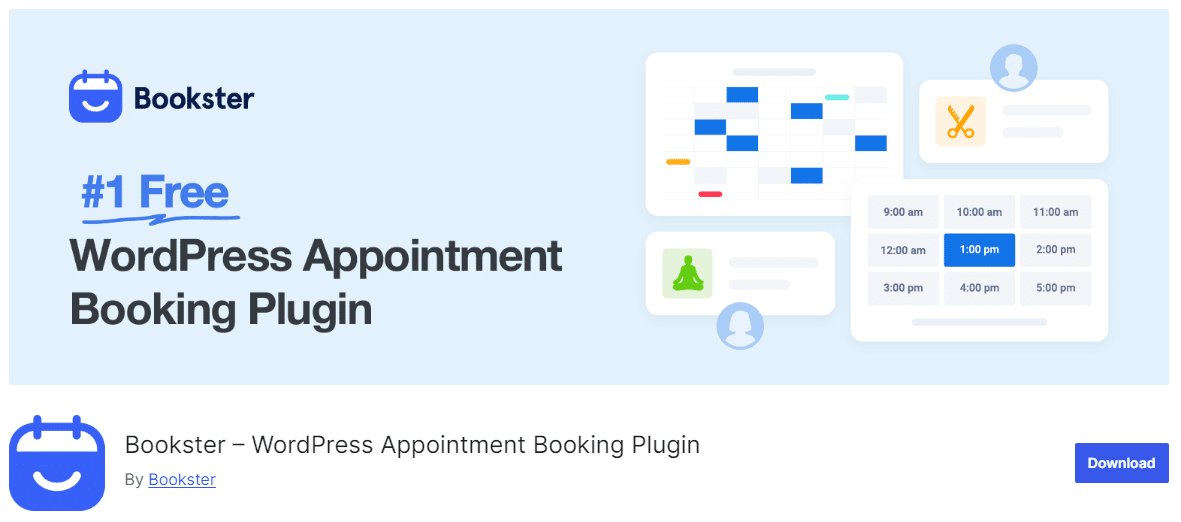
Suppose you want to eliminate the common frustrations that come with WordPress, such as navigating a steep learning curve, dealing with theme and site compatibility issues, and handling complicated setups. In that case, Bookster is the perfect all-in-one solution.
This adaptable appointment booking plugin is designed to efficiently manage both remote and on-site services, making scheduling a breeze. It features an appealing front-end design and a user-friendly back-end interface that makes navigation simple. The customizable booking form allows businesses to easily tailor it to their specific requirements in just a few steps.
WPBookster is available for free on WordPress, with a premium version offering full access for $39 per year for a single site.
Features that make Bookster stand out include:
- Provides clients with the convenience of booking with various payment methods, including PayPal and Stripe.
- Sends email confirmations, reminders, and updates to both clients and administrators, keeping everyone informed throughout the booking process.
- Allows businesses to create discount codes and adjust pricing based on factors such as time, quantity, or other customizable criteria.
- Enables businesses to gather vital client information for marketing initiatives and customer databases.
- Automatically refreshes availability to avoid double bookings, ensuring customers can see open time slots at a glance.
2. Rox Appointment Booking
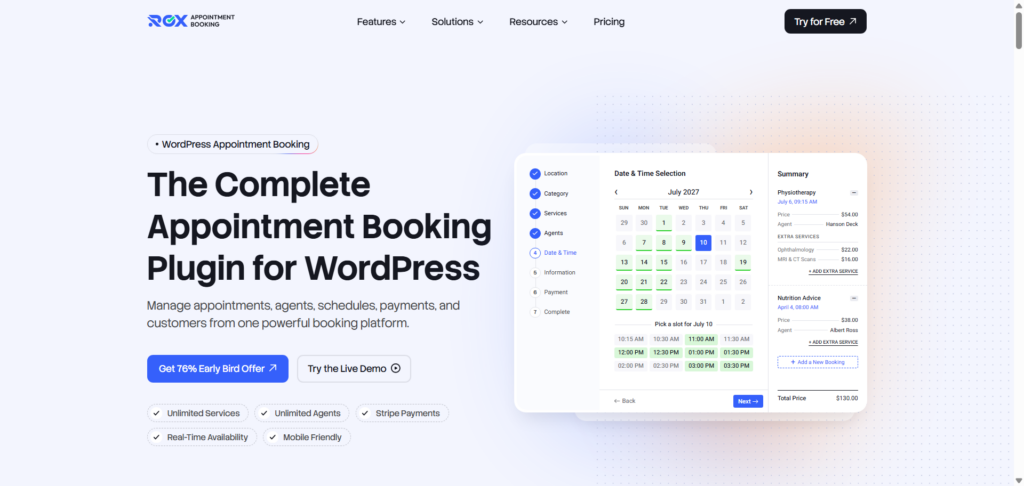
If you run a WooCommerce store that sells appointments or time-based services, Rox Appointment Booking offers a dedicated booking workflow while letting you use WooCommerce for checkout and payments.
With Rox Appointment Booking, you can connect your appointment booking system with WooCommerce and send customers to the familiar WooCommerce checkout. This means you can use your existing WooCommerce payment gateways while managing services, staff, schedules, and appointments through Rox.
Overall, if you’re looking for a flexible appointment booking solution for WordPress, Rox Appointment Booking is worth considering. It is designed for service-based businesses such as salons, clinics, consultants, tutors, gyms, trainers, and repair services. Customers can choose a service, select an available staff member and time slot, enter their information, and complete the booking through a step-by-step booking panel.
Features that make Rox Appointment Booking a good choice include:
- WooCommerce checkout: Let customers complete appointment payments through WooCommerce checkout instead of using a separate payment flow.
- Existing WooCommerce payment gateways: Reuse the payment gateways already configured in your WooCommerce store.
- Flexible booking experience: Customers can book through a shortcode, Gutenberg block, or Elementor widget.
- Staff and schedule management: Assign services to staff members and manage working hours, breaks, holidays, and availability.
- Customer self-service portal: Customers can view bookings, reschedule or cancel appointments, pay for unpaid bookings, and book again from their account.
- Calendar management: View appointments in day, week, or month views and reschedule bookings with drag-and-drop.
- Google Calendar & Meet integration: Pro users can sync bookings with Google Calendar and optionally add Google Meet links to appointments.
Rox Appointment Booking is a good option for WooCommerce stores where booking is the core of the purchase, such as salons, clinics, consultants, tutors, fitness businesses, and other service-based businesses. Instead of trying to turn every appointment into a conventional WooCommerce product, you can manage the scheduling side and use WooCommerce where it matters most: checkout and payment processing.
3. Booknetic – Advanced WordPress and WooCommerce Booking Plugin
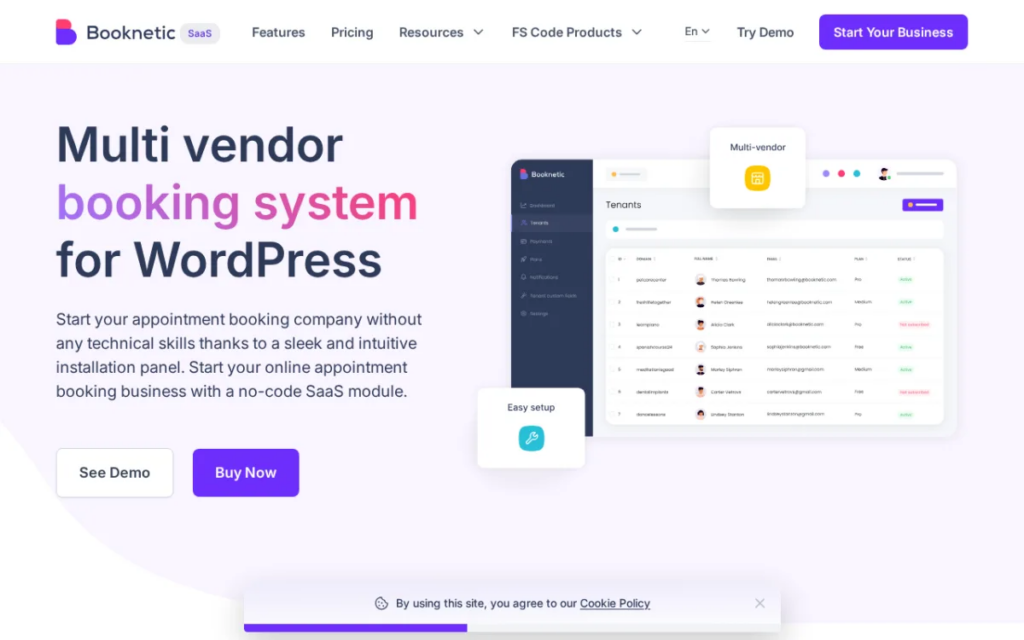
Booknetic is one of the most established appointment booking plugins for WordPress, and it pairs naturally with WooCommerce for stores that want to sell and manage bookings in one place. It handles the full booking flow, from a customizable front-end panel to staff scheduling, payments, and automated reminders, so businesses can take appointments around the clock without manual back-and-forth.
For WooCommerce stores specifically, Booknetic plugs into the WooCommerce checkout, so bookings can be paid for through the same gateways and order flow you already use. That makes it a strong fit for service-based shops, salons, clinics, rentals, consultations, and any store that sells time as well as products.
Key features:
- Native WooCommerce integration, so bookings flow through your existing WooCommerce checkout and payment gateways
- Two-way Google Calendar sync to prevent double bookings
- Staff, services, and location management with individual schedules
- Online payments via WooCommerce, Stripe, PayPal, and local/on-site options
- Automated email, SMS, and WhatsApp notifications and reminders
- Drag-and-drop, fully customizable booking panel with no coding required
- Group bookings and recurring appointments
- 50+ integrations, including Zoom, Google Meet, and Zapier
4. BookingPress
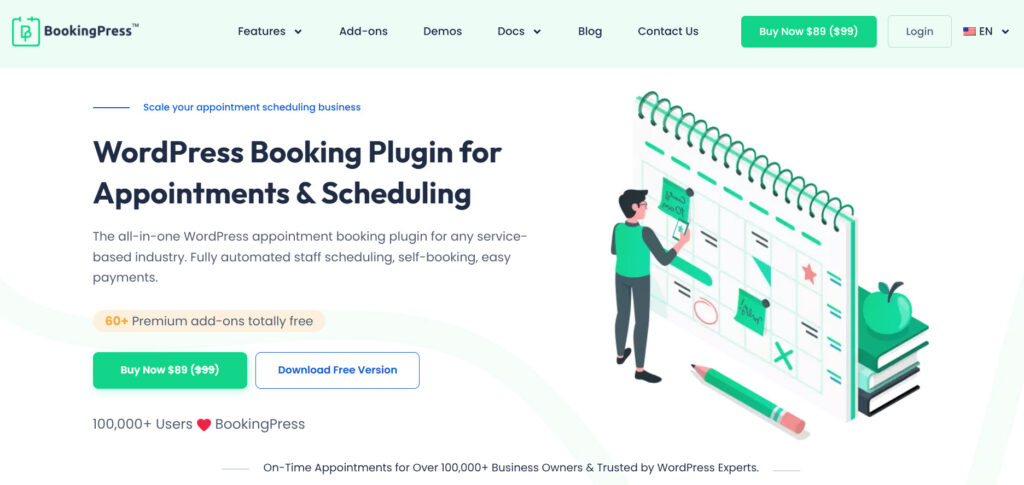
BookingPress is one of the most powerful calendar booking plugins you can get for your WooCommerce store. Packed with over 60+ premium addons, there’s nothing this booking calendar plugin can’t handle. From managing unlimited appointments and staff members to locations, this plugin is truly worth considering.
You can create a fully customizable booking form with extensive styling options and place it anywhere with a simple shortcode, making it super convenient to accept appointments.
It is the best fit for all service businesses, whether it is a salon, spa, clinic, gym, yoga classes, coaching center, rental store, or business consultancy.
The best part? You can sync it with all the popular calendars, like Google Calendar, Outlook, and iCal, to keep your schedule organized. Plus, to lower your no-show rate, you can send automatic notifications via Email, SMS, WhatsApp, and Telegram.
Despite its enterprise-level feature set, BookingPress is surprisingly easy to set up and manage, making it more advantageous than others.
Features that make BookingPress a good choice for you:
- 60+ premium addons out of the box
- Onsite and online payment, full or deposit, via 20+ payment gateways
- Advanced staff members and location management
- Two-way sync bookings with popular calendars
- Built-in WooCommerce support
5. WooCommerce Bookings
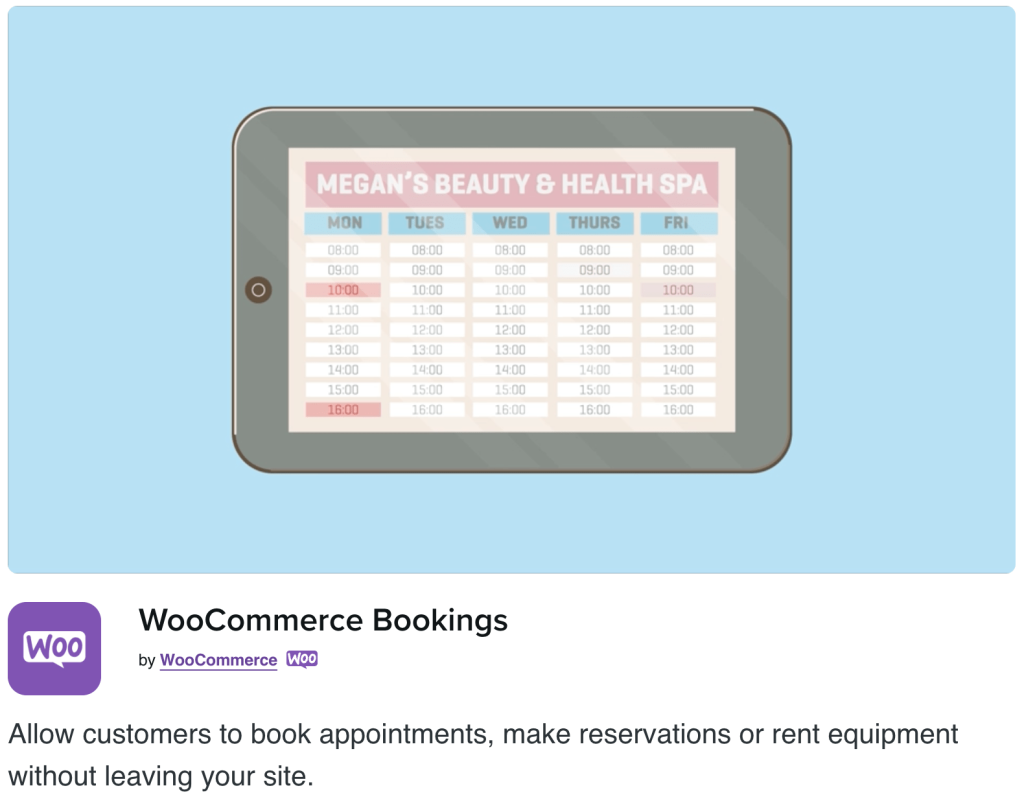
When it comes to WordPress E-commerce businesses, the WooCommerce Booking plugin conquers all. The main reason is that the core version is free, but you also have a variety of extensions to accept payments on your WooCommerce site.
This plugin is supported by the YayMail Addon for WooCommerce Bookings to help you design appointment confirmation email templates in a drag-and-drop email builder.
WooCommerce is arguably the best calendar booking plugin for businesses already utilizing the WooCommerce Plugin. Once activated, it offers fields for description, titles, pricing, and calendar. As a WordPress user, you can either stick with the simple layout or customize it using CSS.
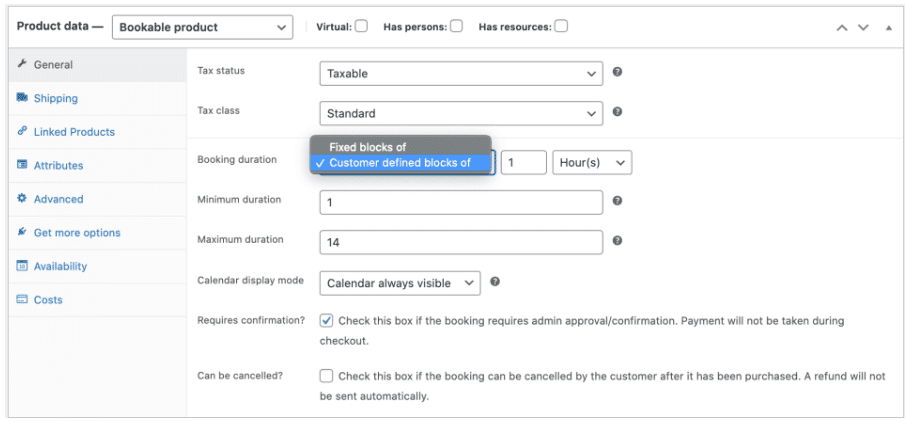
The plugin costs $249 for a single site and $449 for up to 25 locations.
It has a WooCommerce email customizer extension that allows customization of WooCommerce booking email templates.
Features that make WooCommerce Booking stand out include:
- It provides tools you can use to create fixed time slots, so the customer can decide based on the times you select.
- There are several options for approving incoming bookings, even when they are available to users.
- It has a free 30-day trial before you can decide to purchase the plugin.
- You can easily integrate it with other WooCommerce extensions on your website to have additional functionalities.
6. WooCommerce Bookings & Appointments
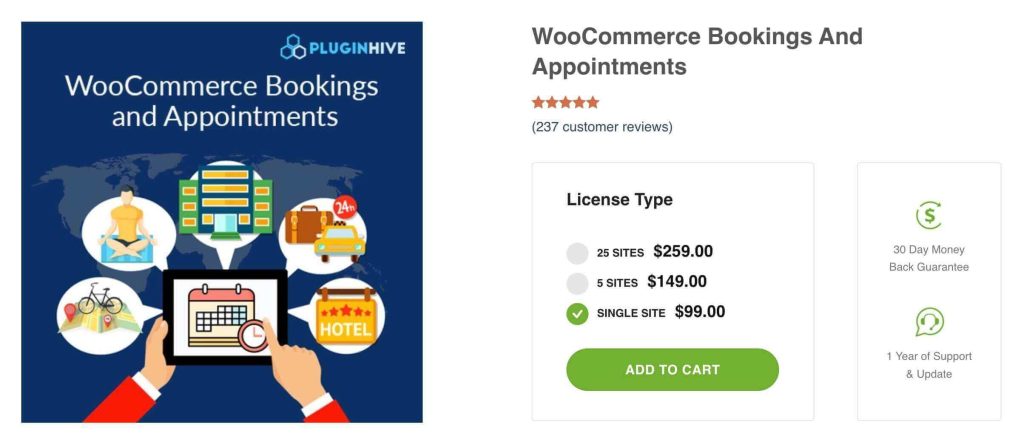
WooCommerce Bookings & Appointments by PluginHive is a feature-rich plugin that allows you to convert your Time, Products or Services into Bookable Resources. The WooCommerce Bookings plugin allows service providers and businesses of all types to easily integrate a booking solution into their WooCommerce website and empower it.
This plugin is among the most affordable booking solutions, offering all the essential features to run your online booking business. It is compatible with WPML, integrates with your Google Calendar, and has a variety of free add-ons to make the feature set even more extensive
If you are looking for a handy booking solution, just try the WooCommerce Bookings and Appointments plugin. The plugin includes both free and premium versions; paid plans start with $99 and go up to $259
Features that make WooCommerce Booking stand out include
- Offer single, multiple, mixed bookings per minute, hour, day, and month
- Send email notifications and reminders to customers, and request booking confirmation from the store owner
- Google Calendar sync to save and place bookings, and can easily achieve Staff Management through this booking plugin
- Set preparation time between the bookings and easily handle individual or group bookings
- 24*7 customer support via email, chat, phone call, and a Zoom call
7. WooCommerce Appointments
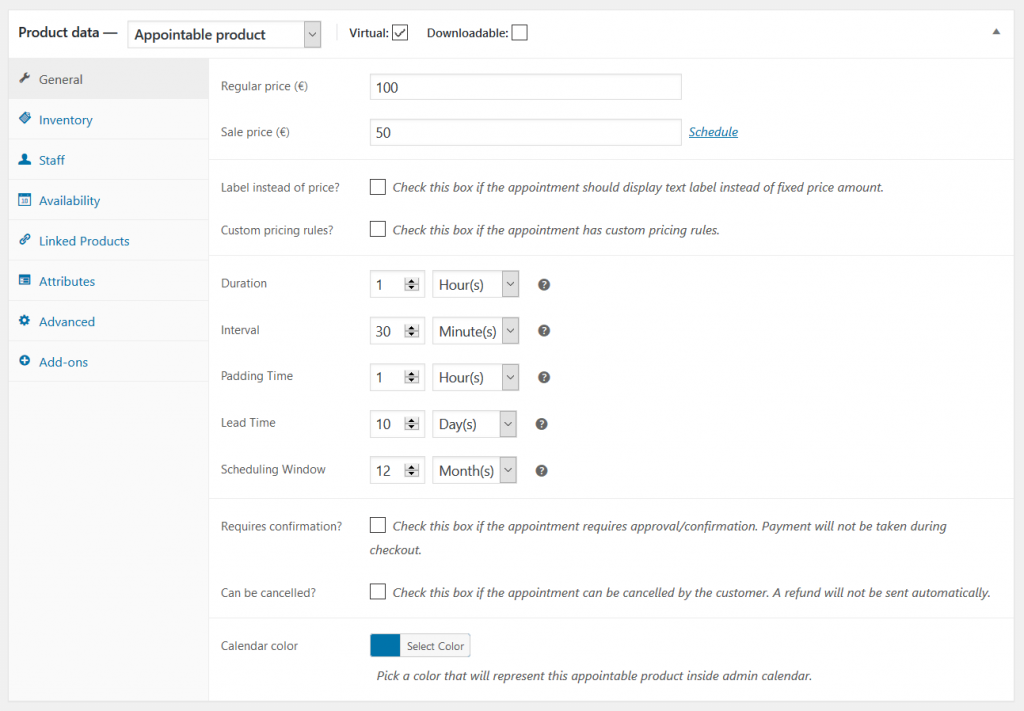
The WooCommerce Appointment calendar booking plugin is another good option to consider using on your WooCommerce site. It has most of the features and functionality of WooCommerce Bookings but is relatively cheaper. A single site will cost you $89, and $200 for up to 25 sites. The pricing makes it an affordable option for you, as it performs just as well as other top-rated WooCommerce calendar booking plugins.
It is not sold through WooCommerce, but by the BookingsWP developers, who are known for consistently producing quality products. It offers excellent features and can easily be integrated with WooCommerce and Google Calendar.
Bookings and appointments can be accepted for free, or a fee can be charged. It is pretty easy to set up and manage, which makes it more advantageous than the others.
Features that make WooCommerce Appointments a good choice include:
- It has two ways to sync systems with Google Calendars. You can do this by editing the Google Calendar through your website’s schedule.
- The plugins easily integrate with other WooCommerce email customizer extensions.
- Automation of reminders and notifications for users and admins
- It lets you control your schedules by padding the time between appointments.
- Rules for pricing availability and capacity can also be set through the plugin.
8. Bookings for WooCommerce

Bookings for WooCommerce is a booking calendar plugin that allows you to easily accept bookings with WooCommerce. It gives you all the flexibility you’d want when dealing with a well-known e-commerce platform, including payment gateway options. It also allows you to sell other items through your site.
Using this booking plugin, you’ll be able to sell bookable products, such as vacant rental rooms, and even handle event venue hires.
Other features include the ability to vary prices by season, allowing you to reduce or increase your products’ prices.
It also integrates easily with other WooCommerce plugins and extensions, making it reliable to use at any time.
Features that make WooCommerce Appointments a good choice include:
- It provides extra and additional functionalities for you to explore
- Integrates easily with other plugins such as Add-ons Ultimate
- Easy to use and does not require any coding knowledge
- It has a 14-day money-back guarantee, allowing you to test its functionalities before purchase
9. Amelia
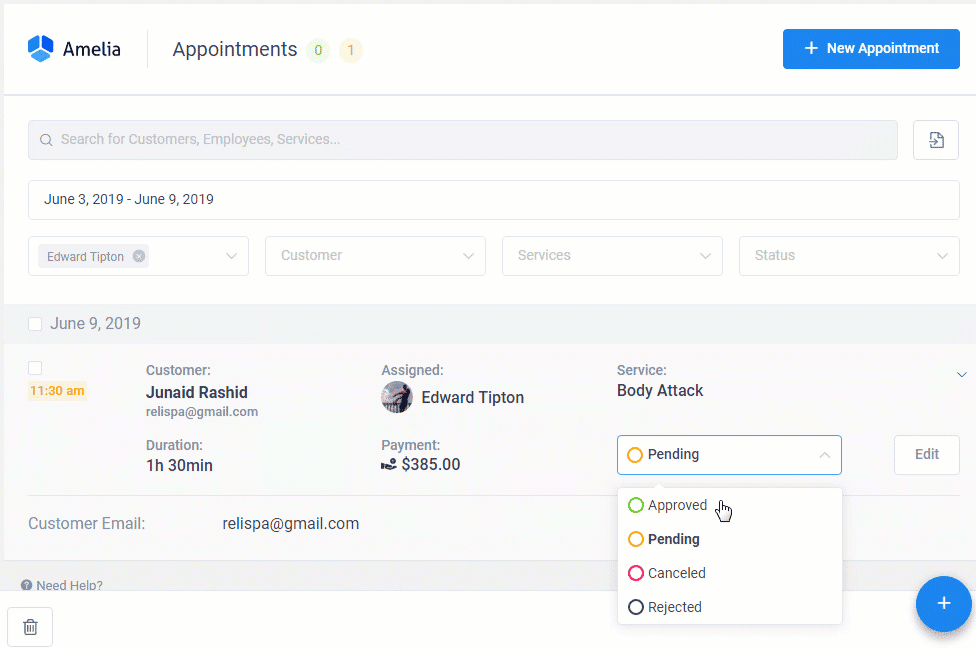
Amelia is one of the most amazing calendar booking plugins you can consider using on your WooCommerce site. With a 24/7 operation, it efficiently handles calendar bookings automatically, making it unique.
Your customers can access your WooCommerce site to book and schedule appointments at any time, making it very convenient.
It is suitable for small businesses because it offers a free version with several useful features.
If you have a larger business, you can consider the paid version for $79 per domain, with pricing increasing depending on the plan you use. Please also note that the WooCommerce integration is available only with WPAmelia’s premium plans.
Amelia has several built-in features and functionalities for a fixed lifetime price like no other booking plugin available in the market.
Features that make Amelia a good choice for you include:
- Effective customer and employee reminders and notifications via emails, SMS, and even WhatsApp messages
- Adding multiple employees with custom working hours
- Easy WooCommerce integration
- Event tickets with different types and prices
- Availability of multiple services and multiple business locations, and more
Comparison Table
| Feature | Bookster | BookingPress | Woo Bookings | PluginHive | BookingWP | WPSwings | Amelia |
| Booking types | Appointment, Group | Appointment | Appointment, Rental | Appointment, Rental, Multi-day | Appointment | Appointment, Rental, Event | Appointment, Event |
| Time slot flexibility | Min/Hour | Min/Hour | Min/Hour/Day | Min/Hour/Day/Month | Min/Hour/Day | Min/Hour/Day/Month | Min/Hour |
| Buffer time | ✅ | ✅ | ✅ | ✅ | ✅ | ✅ | ✅ |
| Recurring bookings | ✅ | ✅ (Pro) | ❌ | ✅ (add-on) | ❌ | ⚠️ (add-on) | ✅ (Starter+) |
| Real-time availability | ✅ | ✅ | ✅ | ✅ | ✅ | ✅ | ✅ |
| Google Calendar sync | Two-way | ❌ | One-way | Two-way | Two-way | One-way (Pro) | Two-way (Pro+) |
| Customizable booking form | ✅ (add-on) | ✅ | ~ limited | ✅ | ✅ | ✅ (Pro) | ✅ |
| Mobile-friendly front-end | ✅ | ✅ | ✅ | ✅ | ✅ | ✅ | ✅ |
| Free & paid bookings | ✅ | ✅ | ✅ | ✅ | ✅ | ✅ | ✅ |
| Deposit / partial payment | ✅ | ❌ | ✅ (add-on) | ✅ (add-on) | ❌ | ❌ | ✅ (Standard+) |
| Notifications | Email, SMS | Email, SMS, WhatsApp | Email, SMS | Email, SMS, WhatsApp (Standard+) | |||
| Staff & multi-location | ✅ | ✅ (Pro+) | Resources only | Staff only | Staff only | ❌ | ✅ (Starter+) |
| Free version available | ✅ | ✅ | ❌ | ✅ | ❌ | ✅ | ✅ |
| Pricing (starts at) | $39/year | $79/year | $249/year | $149/year | $89/year | $79/year | $49/year |
Which one among the best WooCommerce booking plugins should you go for?
All the booking calendar plugins discussed above are suitable for us on any WooCommerce website due to their straightforward integration. Most of them offer desirable features and functionality to help you manage bookings and appointments on your site.
You can go with any of them, but the main issue will be which features you need for your type of business. Make the choice today and say goodbye to the burden of appointment booking for your WooCommerce site.
To check out which WooCommerce booking calendar plugins come with the capability to customize email templates, be sure to explore YayMail Addons for booking plugins.
We hope you found this article helpful and enjoyed reading it. If you need to learn more WooCommerce tips and tricks, check out the YayCommerce blog. Also, feel free to check out our social media handles, such as Facebook, X, Instagram, and YouTube, for more interesting content.

[…] Best WordPress Booking Calendar Plugins […]