
Are you looking for the best WordPress file sharing plugins for your website? If you are, here are the top 7 WordPress file-sharing plugins you need to use!
WordPress file sharing plugins help website owners securely upload, manage, and share files with clients, team members, or customers. They are useful for creating client portals, delivering digital products, and collaborating on projects without depending on external services.
A reliable plugin makes file sharing simple, secure, and professional. It allows you to control access, track downloads, and organize files efficiently.
In this guide, we compare the 7 best WordPress file sharing plugins available. We evaluated them based on features, security, ease of use, and performance to help you choose the right one for your website.
First, we will see why you need a WordPress file sharing plugin.
Table of contents
- Why You Need a WordPress File Sharing Plugin
- What to Look for in a WordPress File Sharing Plugin
- Quick Comparison Table
- In-Depth Review of the 7 Best WordPress File Sharing Plugins
- Which File Sharing Plugin Should You Choose?
- Pro Tips for Secure and Effective File Sharing on WordPress
- Frequently Asked Questions
- Conclusion
Why You Need a WordPress File Sharing Plugin
Sharing files through email or external services can be risky, unprofessional, and difficult to track. A dedicated WordPress file sharing plugin solves these problems by letting you manage and share files securely from your own website.
It enables you to create client portals, set access permissions, track downloads, and organize documents efficiently. This improves client experience, strengthens data security, and reduces dependence on third-party tools.
A reliable file sharing plugin makes collaboration smoother and more professional for agencies, freelancers, educators, and eCommerce store owners.
What to Look for in a WordPress File Sharing Plugin
Choosing the right WordPress file sharing plugin is crucial for secure, efficient, and user-friendly file management on your website.
- Security: Strong protection features, including password protection, file expiration, IP restrictions, and encryption.
- Ease of Use: Simple and intuitive interface for uploading, organizing, and sharing files without technical skills.
- Access Control: Granular permission settings to control who can view, download, or edit specific files.
- Performance: Lightweight design that does not slow down your website even with large numbers of files.
- Frontend Sharing: Ability to create client portals or public download pages for easy front-end access.
- Integrations: Good compatibility with WooCommerce, membership plugins, and cloud storage services.
Quick Comparison Table
| Plugin Name | Ease of Use | Security | Performance Impact | Author Rating |
|---|---|---|---|---|
| FileBird Document Library | Very Easy | Strong | Very Lightweight | Excellent |
| CatFolders Document Gallery & PDF Library | Very Easy | Strong | Lightweight | Excellent |
| Shared Files | Easy | Good | Lightweight | Very Good |
| Simple File List | Easy | Basic | Very Lightweight | Good |
| CM Download Manager | Moderate | Good | Moderate | Good |
| WP File Download | Moderate | Strong | Moderate | Very Good |
| Filr | Easy | Strong | Lightweight | Good |
In-Depth Review of the 7 Best WordPress File Sharing Plugins
The plugins we are going to list are:
- FileBird Document Library
- CatFolders Document Gallery & PDF Library
- Shared Files
- Simple File List
- CM Download Manager
- WP File Download
- Filr
We will take a closer look at the features they offer below.
1. FileBird Document Library
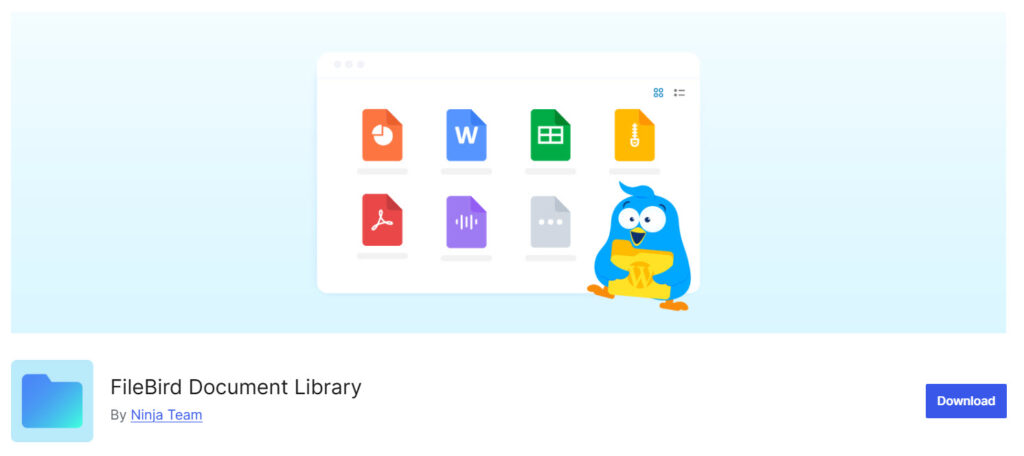
FileBird Document Library is a powerful frontend document management plugin that lets you display your files in a clean, organized, and searchable library on your website.
It turns your WordPress media library into a professional-looking document portal with folders, search, filters, and download options.
It is especially useful for agencies, law firms, accountants, schools, and businesses that need to share documents securely with clients or team members. The plugin stands out for its modern interface, fast loading, and excellent user experience.
Features
- Beautiful frontend document library
- Folder and subfolder support
- Advanced search and filtering
- Secure file download protection
- Shortcode and Gutenberg block support
Pros and Cons
| Pros | Cons |
|---|---|
| Clean and professional frontend display | Requires the main FileBird plugin |
| Fast search and filtering | Some advanced features are Pro only |
| Easy to embed anywhere on the site |
Pricing
FileBird Document Library is a freemium plugin. The Pro version starts at a $39 one-time payment.
2. CatFolders Document Gallery & PDF Library
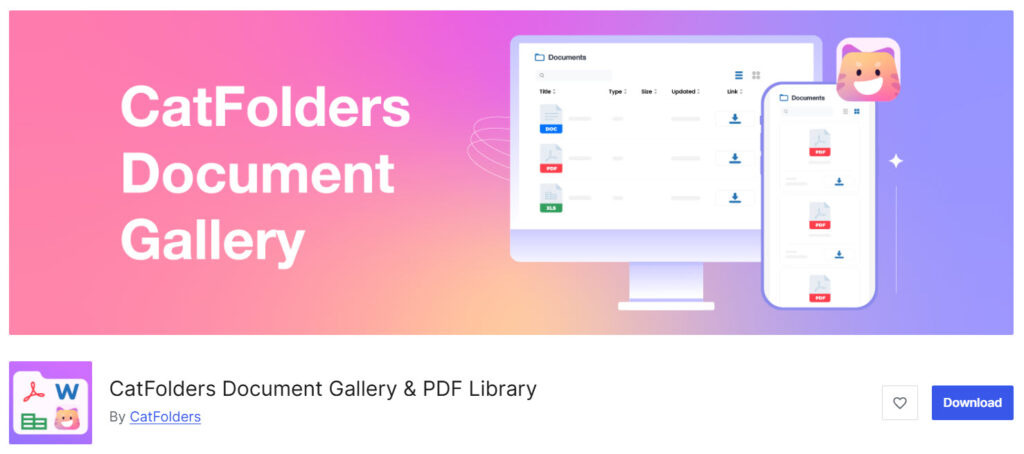
CatFolders Document Gallery & PDF Library is a free WordPress plugin that helps you display your documents and PDFs in beautiful, organized galleries on your website’s frontend.
It allows you to create folder structures, show files in stylish gallery layouts, and offers powerful search and filtering so visitors can easily find the documents they need.
The plugin focuses on clean presentation and smooth navigation, making it easy to showcase brochures, reports, portfolios, and other files professionally.
Features
- Instant search with advanced filtering
- Responsive frontend document viewer
- Easy shortcode and block integration
- Multiple gallery layout options
- High performance with large document libraries
Pros and Cons
| Pros | Cons |
|---|---|
| Beautiful gallery-style document display | Limited advanced access control |
| Very intuitive for non-technical users | |
| Fast loading even with many files |
Pricing
The free version plugin can be downloaded from the WordPress plugin repository. The premium version costs $49 a year for a single-site license.
3. Shared Files
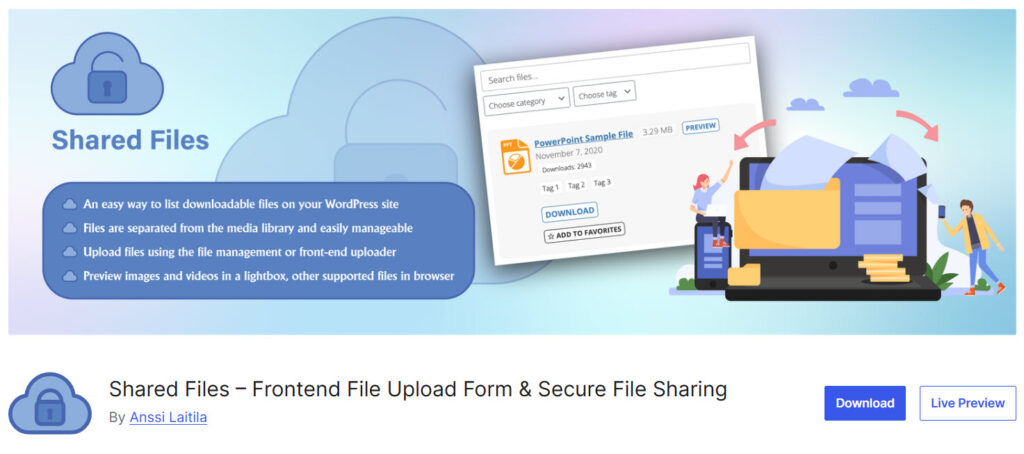
Shared Files is a clean and practical WordPress plugin that lets you upload files and display them on the frontend using simple shortcodes. It allows you to organize files into categories, protect individual files with passwords, and track download counts.
The plugin is built for speed and simplicity, offering a straightforward way to share documents, PDFs, images, and other files publicly or privately. Its responsive design and minimal settings make it easy to manage file sharing without unnecessary complexity.
Features
- Frontend file display with shortcodes
- File categorization and folders
- Password protection for individual files
- Download counter and statistics
- Responsive design
Pros and Cons
| Pros | Cons |
|---|---|
| Simple and easy to use | Limited advanced access control |
| Good performance and lightweight | Basic design and interface |
| Flexible shortcode options |
Pricing
Shared Files is a freemium plugin. The Pro version starts at $41.99 per year.
4. Simple File List
Simple File List is a lightweight WordPress plugin that automatically indexes files from a chosen folder and displays them in a clean, sortable list on the frontend. It generates downloadable links, supports basic sorting by name, date, and size, and allows file uploads directly from the WordPress dashboard.
The plugin uses shortcodes for easy placement and offers responsive design so the file list works well on mobile devices. It focuses on simplicity and speed, making it easy to share documents and files without complex setup or heavy features.
Features
- Simple frontend file listing
- Automatic file indexing
- Basic sorting options
- Shortcode support
- Easy file upload from dashboard
- Lightweight performance
Pros and Cons
| Pros | Cons |
|---|---|
| Very simple and easy to use | Limited advanced features in free version |
| Lightweight and fast | Basic design and functionality |
| Good for beginners |
Pricing
Simple File List is a freemium plugin. The Pro version starts at $49 per year.
5. CM Download Manager
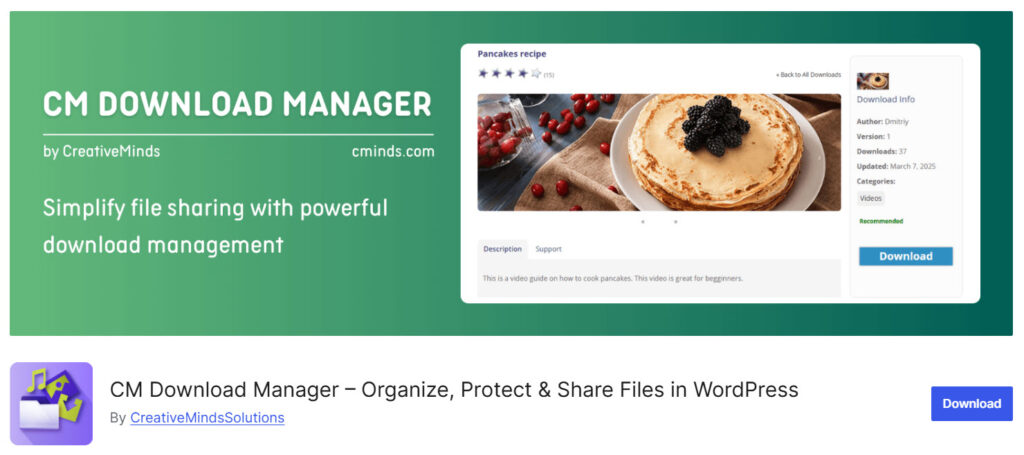
CM Download Manager is a robust WordPress plugin designed to organize, manage, and share downloadable files on your website. It allows you to create categories, display files neatly on the frontend, and track download activity.
The plugin is popular for its detailed backend management and useful features like password protection and statistics. It works well for websites that need to share documents, software, PDFs, manuals, or other resources in a structured way.
Features
- File organization with categories
- Frontend file display using shortcodes
- Download statistics and tracking
- Password protection for files
- Bulk file upload support
- File expiration settings
- Responsive frontend design
Pros and Cons
| Pros | Cons |
|---|---|
| Strong file categorization | Dated admin interface |
| Good download tracking | Can feel heavy with many files |
| Flexible shortcode options |
Pricing
CM Download Manager is a freemium plugin. The Pro version starts at $49 per year.
6. WP File Download
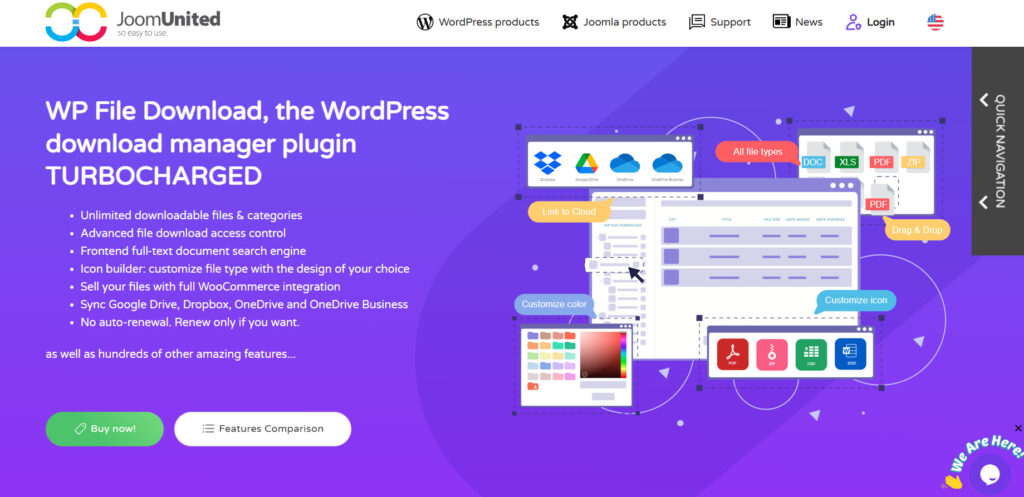
WP File Download is a premium WordPress plugin that offers advanced file management and secure sharing features.
It allows you to organize files into categories, display them professionally on the frontend, track detailed download statistics, and control access with password protection and user roles. The plugin stands out with its file version control, powerful search, and flexible shortcode system.
It is designed for users who need more control and analytics than basic file sharing plugins provide.
Features
- Advanced file and category management
- Detailed download statistics
- Password protection and access control
- Frontend file display with shortcodes
- Bulk actions and powerful search
- Responsive and modern gallery views
Pros and Cons
| Pros | Cons |
|---|---|
| Powerful file organization | Premium only |
| Strong download tracking | Steeper learning curve |
| Good security and access control |
Pricing
WP File Download is a premium plugin. It starts at $49 per year.
7. Filr
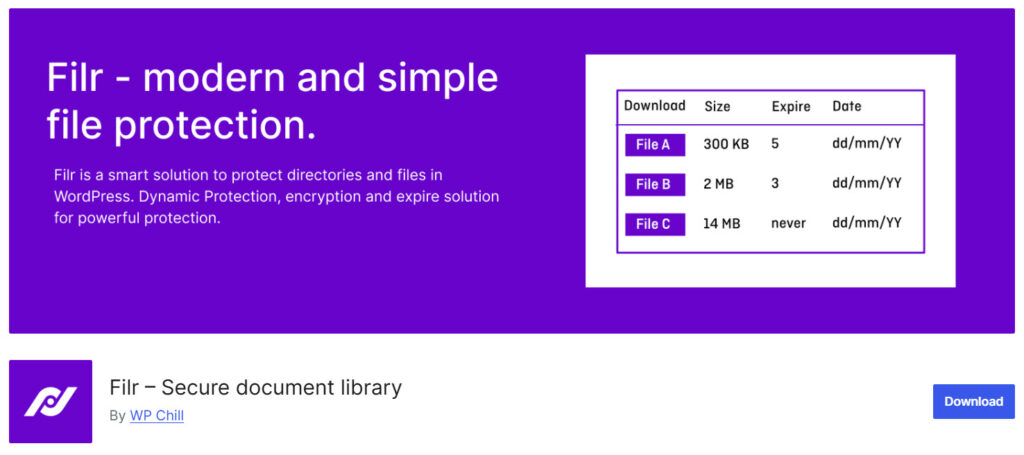
Filr is a lightweight and focused WordPress plugin designed for secure file sharing and protection. It allows you to upload files and share them privately through password-protected links or restricted pages without requiring users to log in to WordPress.
The plugin emphasizes simplicity and security, making it easy to create private download areas and control access to specific files. It is particularly useful for sharing sensitive documents, client files, or paid resources safely on your website.
Features
- Secure frontend file sharing
- Password-protected file access
- Private client download areas
- Simple file upload and management
- User role-based restrictions
- Clean and responsive gallery view
Pros and Cons
| Pros | Cons |
|---|---|
| Strong focus on secure file sharing | Limited folder organization |
| Easy to create private client portals | Basic design compared to gallery plugins |
| Lightweight with good performance |
Pricing
Filr is a freemium plugin. The free version can be downloaded from the WordPress plugin repository, and the premium version costs $49 per year.
Which File Sharing Plugin Should You Choose?
For most users, FileBird Document Library is the best overall WordPress file-sharing plugin thanks to its clean organization, robust security features, and excellent performance.
If you prefer a visually appealing gallery layout for documents and PDFs, CatFolders Document Gallery & PDF Library is an outstanding choice.
For simple, lightweight needs, Shared Files or Simple File List works very well. Users looking for advanced features can consider WP File Download or Filr.
Start with FileBird or CatFolders if you want modern design combined with reliable file management.
Pro Tips for Secure and Effective File Sharing on WordPress
Here are essential tips to ensure safe and efficient file sharing on your WordPress website:
- Always protect sensitive files with strong passwords and set automatic expiration dates.
- Use role-based access control to limit who can view or download specific documents.
- Keep your file sharing plugin and WordPress core updated to the latest versions.
- Restrict the upload of dangerous file types such as .exe, .php, or .js.
- Enable HTTPS across your entire site to encrypt all file transfers.
- Regularly monitor access logs to track file activity and detect suspicious behavior.
- Avoid using public links for confidential documents whenever possible.
Following these tips will help you maintain strong security while delivering a smooth and professional file sharing experience.
Frequently Asked Questions
Now, let’s take a look at some frequently asked questions and answers on this topic.
FileBird Document Library and CatFolders are currently the top-performing options for most users. They offer excellent organization tools, strong access control, and smooth performance while remaining lightweight.
Yes, reputable free plugins like Shared Files and Simple File List are safe when kept up to date. However, for sensitive or important documents, it is better to use plugins with advanced access control and security features.
Yes. FileBird Document Library and Filr are particularly good for building secure client portals. You can restrict access so that only logged-in clients can view or download specific files.
WP File Download and CM Download Manager are strong choices. They provide secure download protection, purchase verification, and useful analytics to track sales performance.
Most of the recommended plugins are lightweight. FileBird Document Library and CatFolders are highly optimized and have minimal impact on site speed.
Some plugins, such as WP File Download, offer download tracking and basic analytics. This helps you understand which files are most popular.
You can protect files using password protection, expiration links, IP restrictions, and private access settings provided by most of these plugins.
FileBird Document Library and CatFolders perform very well with large file libraries. They are designed to handle hundreds or thousands of files without slowing down your site.
Yes. All the plugins listed in this comparison are fully responsive and work smoothly on mobile phones and tablets.
Conclusion
Choosing the right WordPress file sharing plugin is essential for secure, efficient, and professional document management. The seven plugins compared in this guide offer different strengths depending on your specific needs.
FileBird Document Library and CatFolders stand out as the top recommendations for most users because of their excellent organization, performance, and ease of use. For simpler needs, Shared Files and Simple File List are reliable lightweight options.
For advanced features, WP File Download and Filr are strong choices.
Choose the plugin that best matches your requirements and start improving your file-sharing experience today.
We hope you found this article helpful and enjoyed reading it. If you need to learn more WooCommerce tips and tricks, check out the YayCommerce blog. Also, feel free to check out our social media handles, such as Facebook, X, Instagram, and YouTube, for more interesting content.